‣
Power: ON
‣
Recording:
OFF
Settings
* Connect RearCam to activate this option
‣
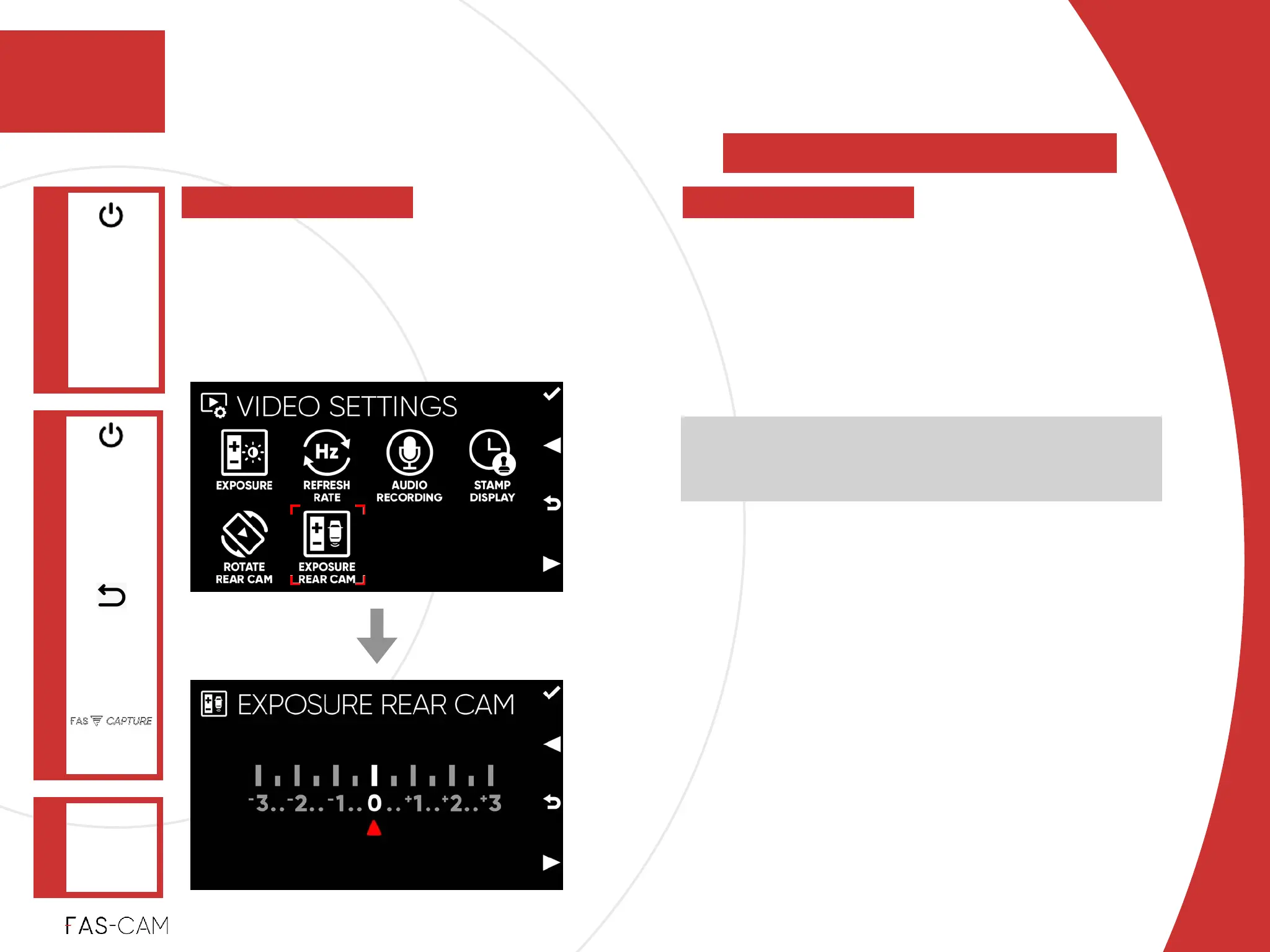
7.2.6 Exposure Rear Cam
VIDEO
SETTINGS
Main Menu
"▶
7.2 Video Settings
7
7. Settings
EXPOSURE
REAR CAM
"▶
Exposure is the amount of light that
reaches your camera's sensor. Adjust the
Exposure level in order to reach a better
image quality for the F201 camera.
‣
Exposure level%
“-3” is the least Exposure level option%
“+3” is the strongest Exposure level option!
‣
Default Setting!
0
In general, “+” number settings will make the
recordings brighter, and “-” number settings will make
the recordings darker.



 To Next Page