5. FAS-CAPTURE / FAS-MODE
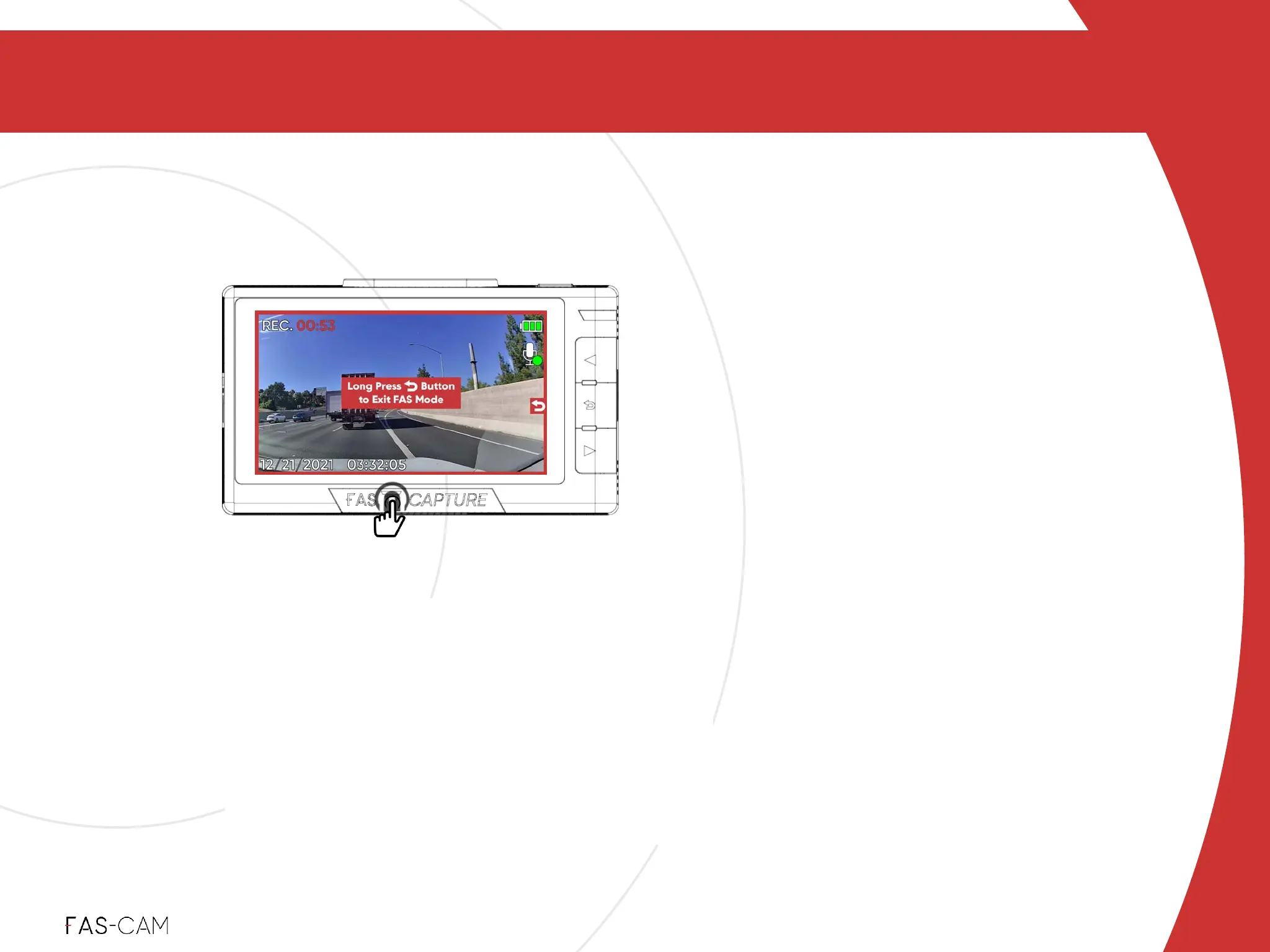
To use: Click FAS-CAPTURE button three times OR
press and hold for 5 seconds. A red frame will appear on
the screen.!
To exit: Press and hold the return button for 5 seconds.!
Files being protected:"previous and current (until
manual exit) loop videos!
Protected Videos will be under!
Menu"▶"Files"▶"Protected
Press and hold
FAS-CAPTURE / FAS-MODE
5.2 FAS-MODE
5
FAS-MODE
Continuous
FAS-MODE will continuously record the
scenes on the road in"protected mode"until
you exit FAS-MODE. This feature gives you
peace of mind in the event of an emergency
so you won’t have to worry about losing
important footage.
‣
Power: ON!
‣
Recording: RED - ON
(while recording during
protected mode)
Indicator Light



 To Next Page