"▶
"▶
Move Left
Previous
Menu
Move Right
‣
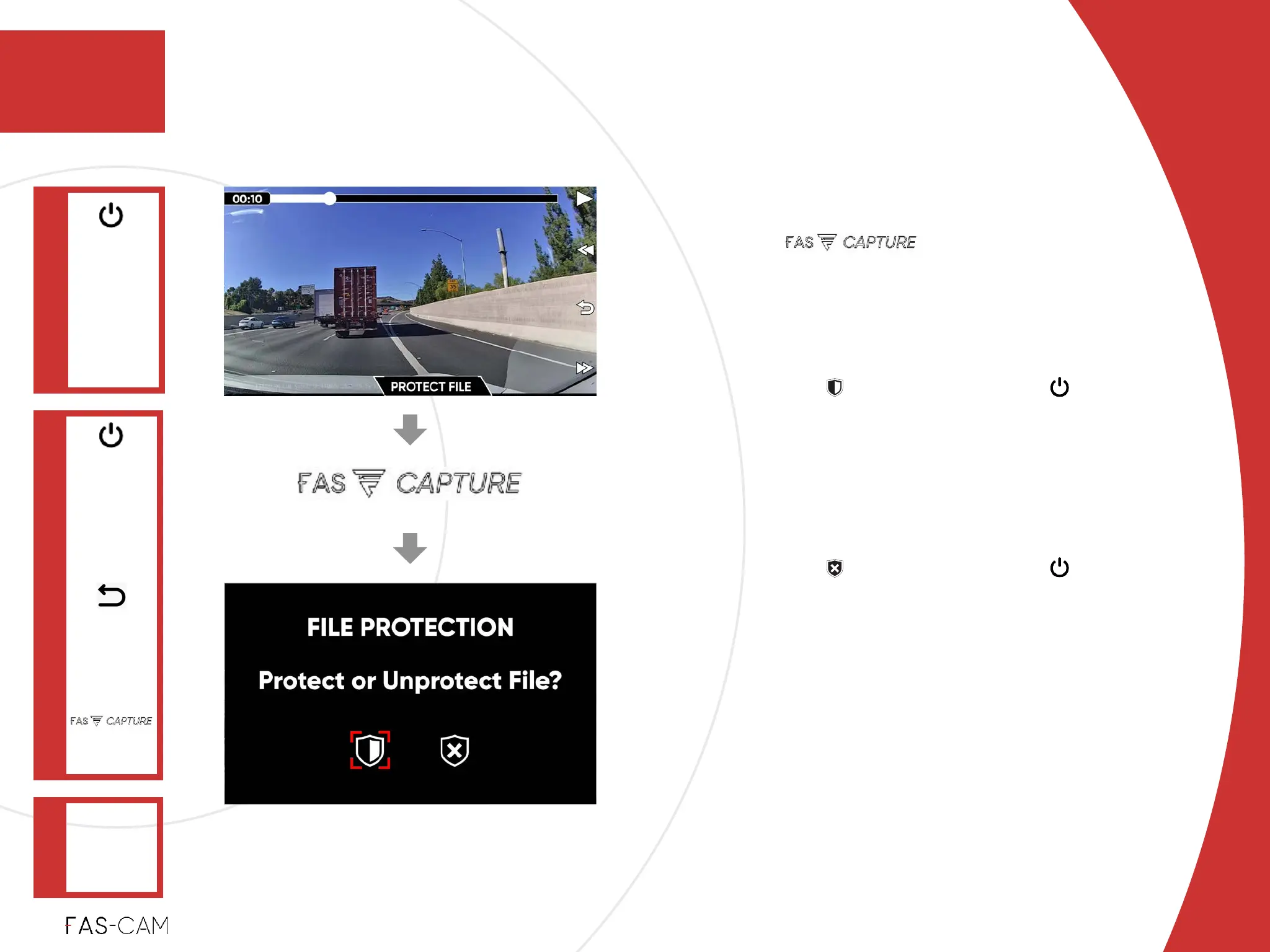
6.2.4 Protect and Unprotect File
Protect File
‣
Press key to “PROTECT
FILE”!
‣
Warning Message: “FILE PROTECTION
Protect or Unprotect File?”!
1. Select option, and press key to
“PROTECT FILE” on Warning
Message window.%
Then, this file will be moved into
“PROTECTED” folder!
2. Select option, and press key to
exit.
‣
6.2.4.1 Protect File
Operation
6.2 Playback
6
6. Operation
VIDEO
"▶
‣
Power: ON
‣
Recording:
OFF
Main Menu
FILES
"▶
PROTECT
FILE
Confirm
Selection
(OK) / PLAY /
PAUSE



 To Next Page