"▶
"▶
Move Left
Previous
Menu
Move Right
‣
Play / View %
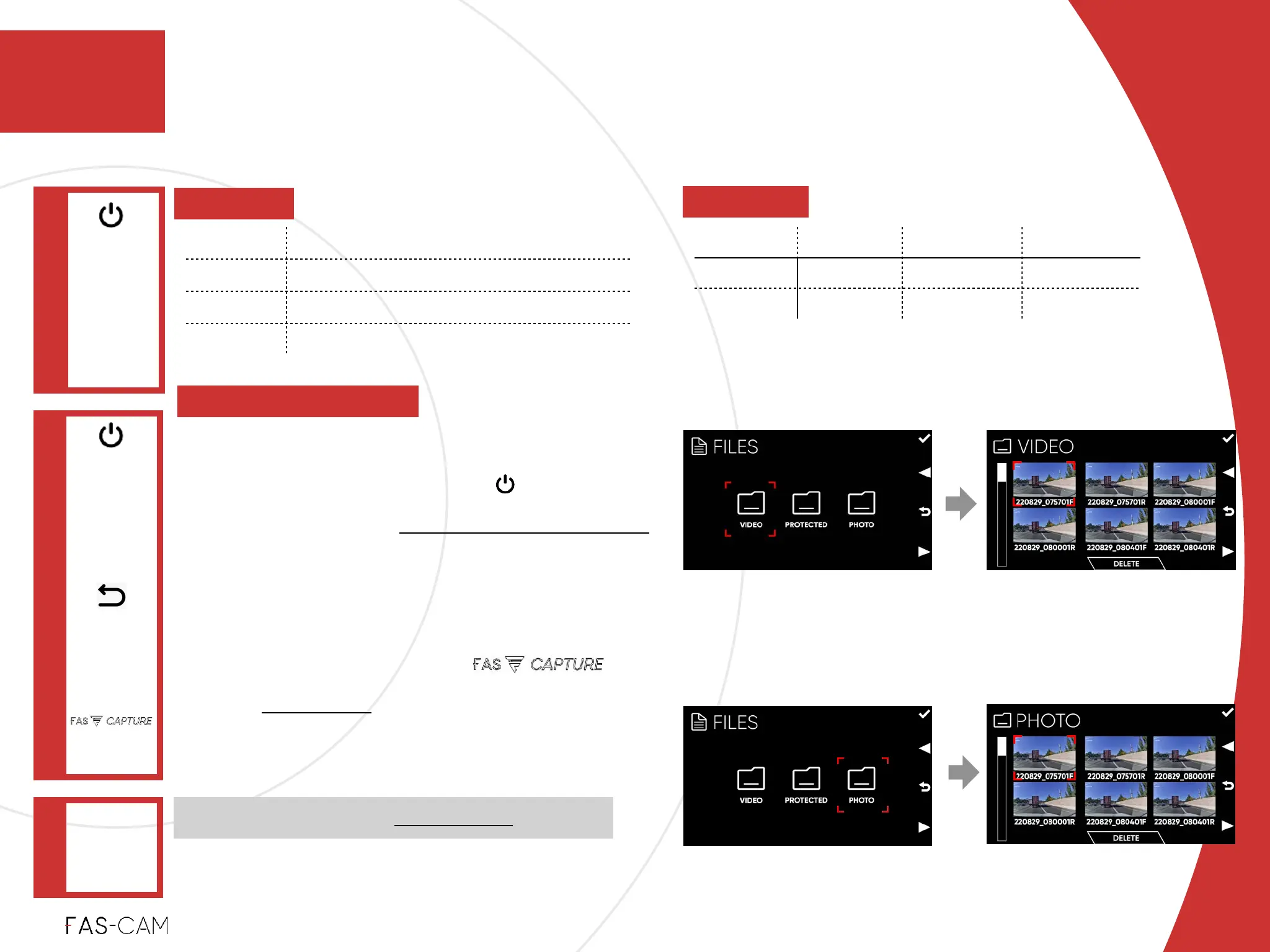
Select a video, and press key to
enter player (see 6.2.3 Play and Pause
video to continue with this option)!
‣
Delete%
Select a designated video or photo to
delete directly by press key
(see next page to continue with this
option)
Or
Operation
6.2 Playback
‣
6.2.1 Browse File
6
6. Operation
VIDEO /
PHOTO
"▶
‣
Power: ON
‣
Recording:
OFF
Main Menu
FILES
"▶
DELETE
Confirm
Selection
(OK)
Note: Photos are taken via FAS-CAPTURE



 To Next Page