EasyManua.ls Logo

FBD 56X Series - User Manual

FBD 56X Series
29 pages
Print Icon
To Next Page IconTo Next Page
Loading...
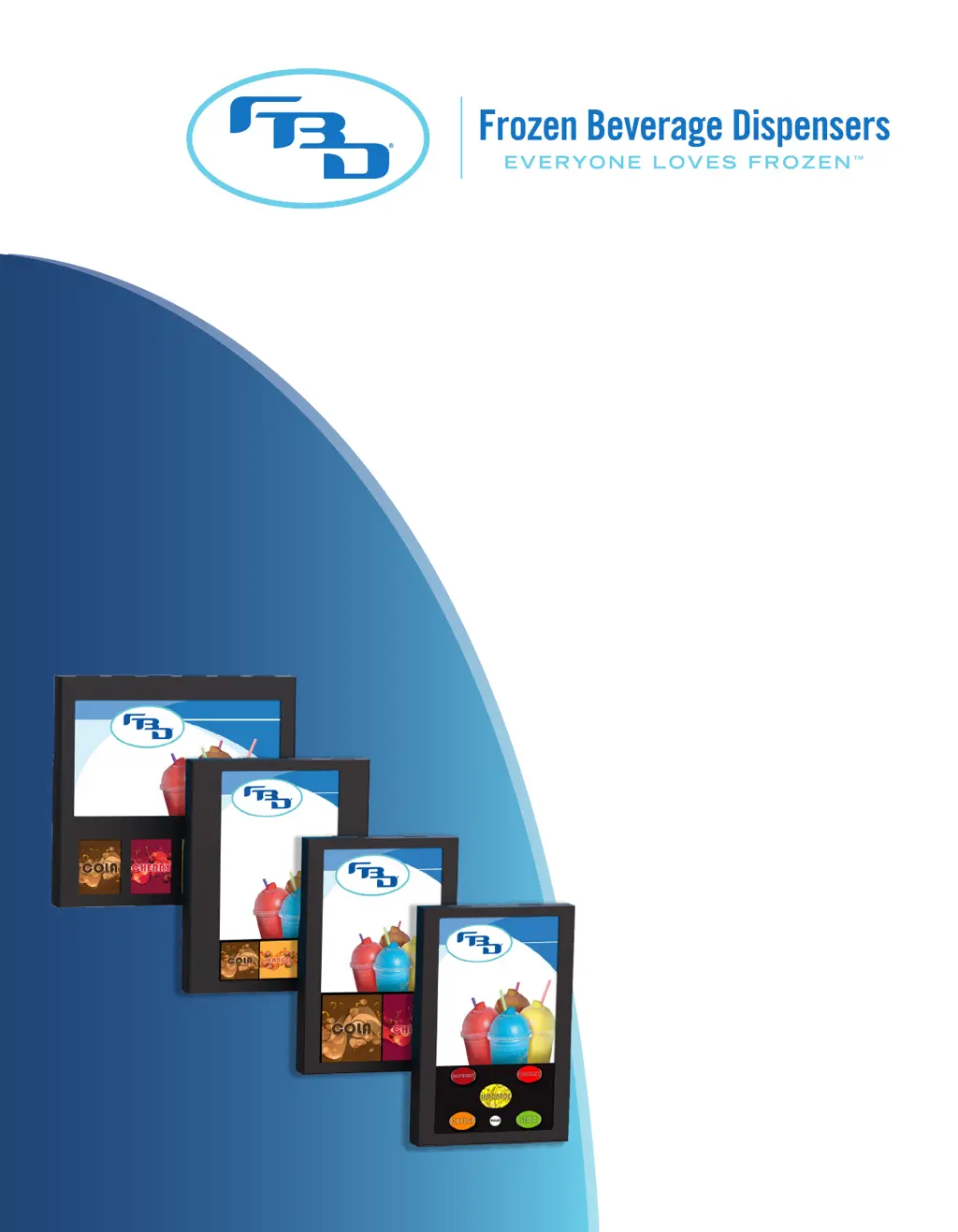
DIGITAL
MERCHANDISER
INSTALLATION &
OPERATION MANUAL
56X/77X MODELS
24-M4VD-0001_01

Questions and Answers

Summary

Safety

Electrical Safety Precautions

Safety precautions regarding electrical installation and maintenance procedures.

General Safety Precautions

Safety measures for handling heavy equipment and avoiding personal injury during installation.

Specifications

General Requirements

Compatibility requirements and matching dispenser barrel counts for digital merchandisers.

Dimension, Weight, and Resolution Specifications

Detailed specifications for different models including dimensions, weight, and screen resolutions.

Receiving

Installation

Installation of a 561 Digital Merchandiser

Step-by-step guide for installing a 561 model digital merchandiser onto a dispenser.

Installation of 56 x Multiple Barrel Merchandisers

Installation of 77 x Multiple Barrel Merchandisers

Installation with Conversion Kit

Start-Up

Menu Layout and Operation for 561 Merchandiser

Screen Layout for 561 Merchandiser

Overview of the 561 merchandiser screen layout and its operational modes (single/multi-flavor).

Single-Flavor Operation

How to select and dispense a single flavor using the merchandiser interface.

Multi-Flavor Operation

How to select and dispense multiple flavors or add-ins for a drink.

Unlocking a 561 Merchandiser

Procedure to unlock the 561 merchandiser screen and enter Service Mode.

Menu Layout for 561 Merchandiser

Details the menu options available after unlocking the 561 merchandiser.

Changing Video on 561 Merchandiser

Steps to select and change the video content displayed on the 561 merchandiser screen.

Changing Flavor Images on 561 Merchandiser

How to update flavor images and background images on the 561 merchandiser.

Updating Content on an SD Card

Instructions for formatting SD cards and organizing content folders for updates.

Saving Changes and Exiting Service Mode

How to save changes made in Service Mode and exit the mode.

Multi-Barrel Merchandiser Operations

Unlocking a Two-, Three-, or Four-Barrel Merchandiser

Procedure to unlock the display on multi-barrel merchandisers by touching screen corners.

Menu Layout for Two- or Three-Barrel Merchandisers

Explains the menu options and their functions for two- and three-barrel merchandisers.

Menu Layout for Four-Barrel Merchandiser

Details the menu options and their functions specifically for four-barrel merchandisers.

Barrel Status Messages for Multiple-Barrel Merchandisers

Lists and explains common barrel status messages displayed on the merchandiser.

Changing of a Video or Flavor Image on a Multiple-Barrel Merchandiser

How to change video and flavor images on multi-barrel units using Service Mode.

Diagnostic Tools for Multiple-Barrel Merchandisers

Describes the diagnostic tools available for testing merchandiser functionality and connections.

Updating Images and Videos on Multiple-Barrel Merchandisers

Steps for accessing USB ports to add or update images and videos on multi-barrel units.

Adding Content to a USB Drive

Instructions on creating folders and formatting files for adding content to a USB drive.

Cleaning

Cleaning the Screen(s)

Guidelines for cleaning the merchandiser screen using appropriate cleaners and cloths.

Cleaning the Merchandiser Body

Recommendations for cleaning the merchandiser's metal body without damaging the coating.

Troubleshooting for Single-Barrel Merchandiser

Error Warnings

Lists common error messages that may appear on the single-barrel merchandiser screen and how to resolve them.

Cannot Play Video

Troubleshooting steps when a video file fails to play on the merchandiser.

Other Common Errors

Addresses common errors like 'NO SIGNAL' or issues booting the Android OS.

Hardware Failures (Relay;Fuse)

Troubleshooting steps for hardware failures like blown relays or fuses in the merchandiser.

App Not Displaying Correctly

How to fix issues where the app or clock screen is not displayed correctly.

Touchscreen Not Working

Steps to resolve touchscreen unresponsiveness or inability to navigate menus.

Troubleshooting Two-, Three-, or Four-Barrel Merchandisers

BrightSign Error Lights

Explains the meaning of status lights on the BrightSign module indicating system status.

Red Status LED Flash Codes

Details flash codes for the red status LED indicating specific errors.

On-Screen Errors (BrightSign Logo)

Describes screen errors like the BrightSign logo with network info and how to resolve them.

Black No Signal Screen

Troubleshooting steps when the screen displays 'No Signal' or the BrightSign player is not loading.

No Content Found Screen

How to resolve issues where no content is found to display images or video.

Screen is Completely Black

Steps to diagnose why the screen is black with no output or backlight.

Incorrect Flavor Card Image

Guidance on how to change incorrect flavor card images.

FBD 56X Series Specifications

General IconGeneral
BrandFBD
Model56X Series
CategoryMerchandiser
LanguageEnglish

Related product manuals