DIGITAL MERCHANDISER
56X/77X MODELS
23
10. TROUBLESHOOTING A TWO-, THREE-, OR FOUR-BARREL MERCHANDISERS
10.1 BrightSign Error Lights
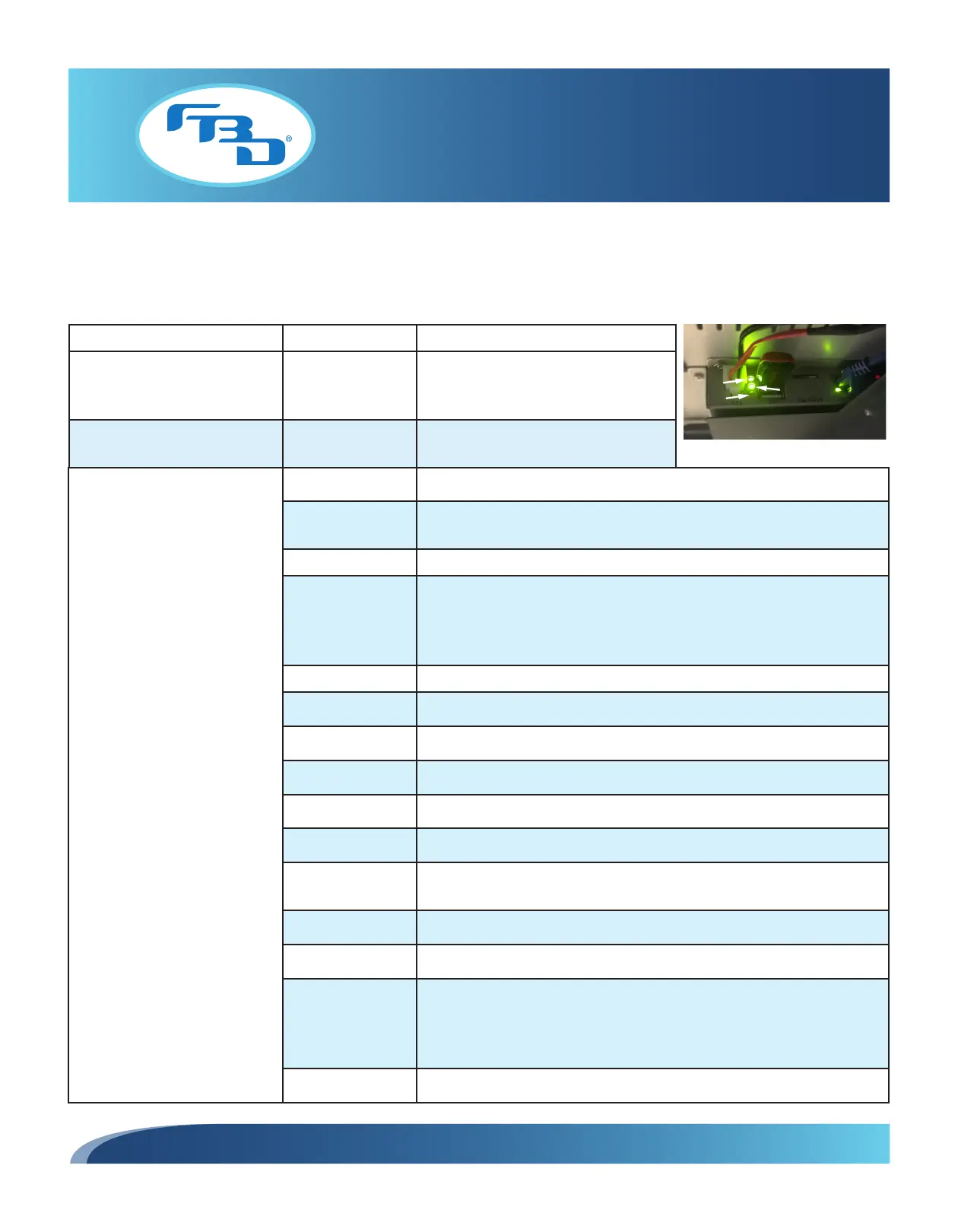
The BrightSign module has three status lights (Figure 10.1) that indicate its status.
Light Color Number of Blinks Meaning
Green power (Pwr) N/A Displays when the board is powered up
and not in reset mode. Flashes during
firmware update process.
Green file-system activity (Bsy) N/A Flashes any time there is file-system
activity (on any storage device).
(continued on next page)
Green
Power
Light
Yellow
Status Light
Red
Error Light
(Flashing)
Figure 10.1
Red status (Err)
Flashes a certain number of
times to indicate which error is
occurring.
2 Unspecified error.
3 Network recovery script is preparing to run on a device configured for
network recovery (BrightSign Network).
3 No published content or script on the SD card.
4 No upgrade file found. This is often the result of the player being in
Rescue Mode. To complete Rescue Mode, insert an SD card with a .bsfw
firmware update file in the root folder (the error code will continue to
display for a few seconds while the update file is checked for integrity).
5 Failed to load kernel module.
5 OS initialization failed (Init shell script failed).
6 Board is not capable of running the current firmware version.
7 A piece of on-board hardware is not working correctly.
8 Problem related to the storage device (either a USB drive or SD card).
9 Problem related to the registry/NAND.
10 The autorun script encountered a load/run error (commonly caused by a
locked or NTFS-formatted SD card).
11 WiFi-related error (mainly WiFi not found on USB).
12 Unable to find bootable image.
13 The root file system has failed verification, which is used to detect whether
the file system has been tampered with. You can recover a player that
is showing this error code by performing a firmware update with secure
boot (a process described in the Firmware Installation Instructions).
14 Boot loader failure.



 To Next Page