DIGITAL MERCHANDISER
56X/77X MODELS
24
Light Color Number of Blinks Meaning
Red alternate
The red status LED may give one
long initial flash to preface an
alternate code. The flash codes
that follow one long flash are
described below.
2 Erase failed.
3 Write failed.
4 Verify failed.
5 Failed to find UBI partition.
6 Attempt to write unsigned CFE to dispenser with secure boot enabled.
7 Failed to find UBI partition.
8 Failed to create/attach UBI partition.
9 Unexpected error.
10 Upgrade script exited abnormally.
11 Upgrade took longer than expected.
12 Update completed but update file could not be deleted.
13 (from firmware v5.1.40) Firmware update file could not be read.
10.2 On-Screen Errors
Condition Possible Causes How to Fix
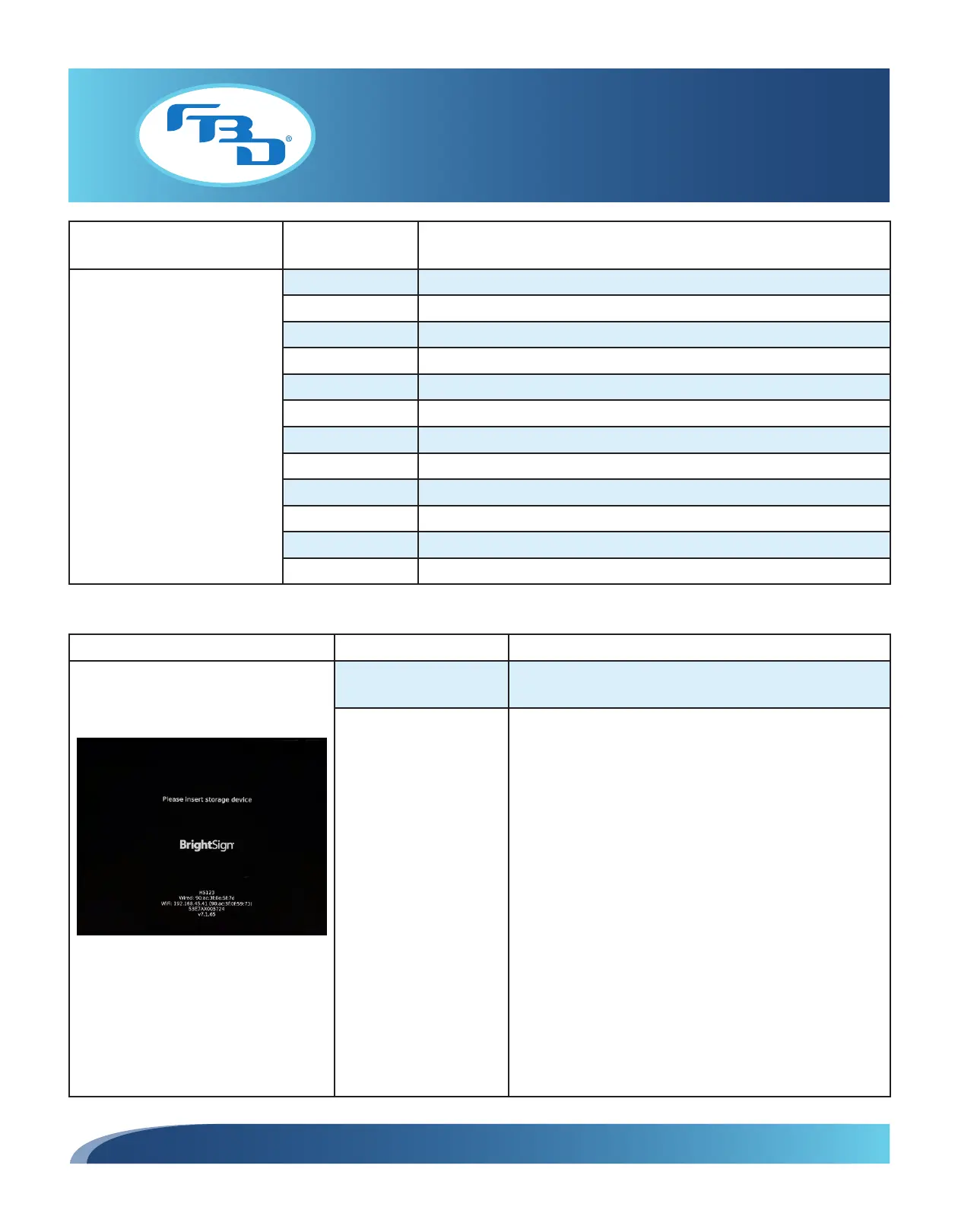
Black BrightSign Screen
BrightSign logo with other WiFi/wired
information is shown on screen.
MicroSD is missing or not
fully inserted.
Confirm USB is present and fully inserted.
MicroSD format or
content is incorrect.
1. If the door content was just updated, this could be
the cause. Verify that the USB was updated following
the correct formatting guidelines (see Section 7.8).
Otherwise, it is unlikely unless the USB has failed. The
USB and content can be verified several ways:
• The door can be unlocked by touching the corners
of the video area (even though no video is present).
This will present the normal controls. Attempting
to cycle content could display the content.
• If available in the menu, the Test for Content button
can be used to check for anything on the USB.
• The USB can also be checked by connecting to
a computer and verifying the folder names and
presence of files.
2. Confirm presence and remove/reinsert then power
door again.
3. Verify software number on microSD and report to
Technical Support.



 To Next Page