DIGITAL MERCHANDISER
56X/77X MODELS
20
9. TROUBLESHOOTING FOR SINGLE-BARREL MERCHANDISER
9.1 Error Warnings
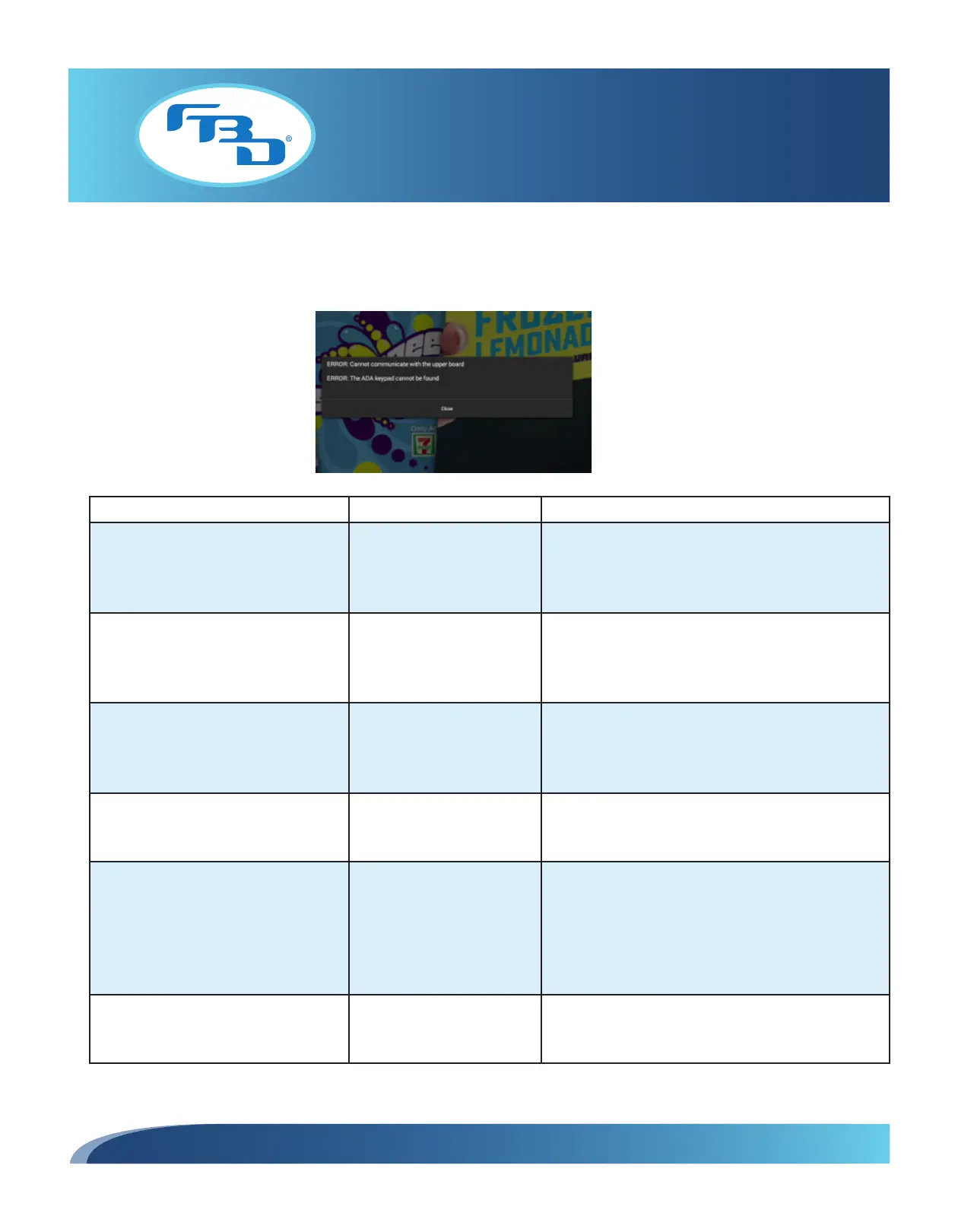
Some errors will appear on the video portion of the screen in the format shown below:
Error Possible Causes How to Fix
An unknown ADA keypad error
occurred. Please provide entire error
message to FBD technical support at
866.323.2777.
N/A Please call FBD Technical Support at
866-323-2777.
The USB adapter could not be found.
USB adapter is not
connected.
Verify that the USB adapter is connected.
Use the keypad on the dispenser to access the menu.
Navigate to the Service Menu > Readouts > Flavor
Readouts > ADA Stat=?.
The ADA keypad could not be found. ADA Keypad is not
connected.
Locate the ADA keypad and verify it is connected. If
the keypad is connected properly but still does not
function, or the message remains, replace the ADA
keypad.
Invalid button reading from ADA
keypad. Multiple buttons pressed or
hardware malfunction.
Two buttons are being
pressed together or a button
is faulty.
Reconnect the ADA keypad. If the error remains,
replace the keypad.
Cannot communicate with the upper
board.
Serial port communication
has been interrupted.
Verify that the dispenser is not communicating with the
merchandiser. Exit Service Mode on the merchandiser
and use the keypad on the dispenser to navigate
to Service Menu > Readouts > Flavor Readouts >
Door Stat=NoConnect. If the merchandiser is not
connected, call Technical Support.
ADA keypad button pressed for more
than “X” seconds. Possible short
circuit or stuck button.
Faulty button. Buttons may
be constantly pressed.
Reconnect the ADA keypad. If the error remains,
replace the keypad.
(continued on next page)



 To Next Page