INSTALLATION & OPERATION MANUAL
MULTI-FLAVOR MERCHANDISERS
9
MENU OPTIONS BY ACCESS LEVEL
LEVEL AVAILABLE MENUS
Store Operator
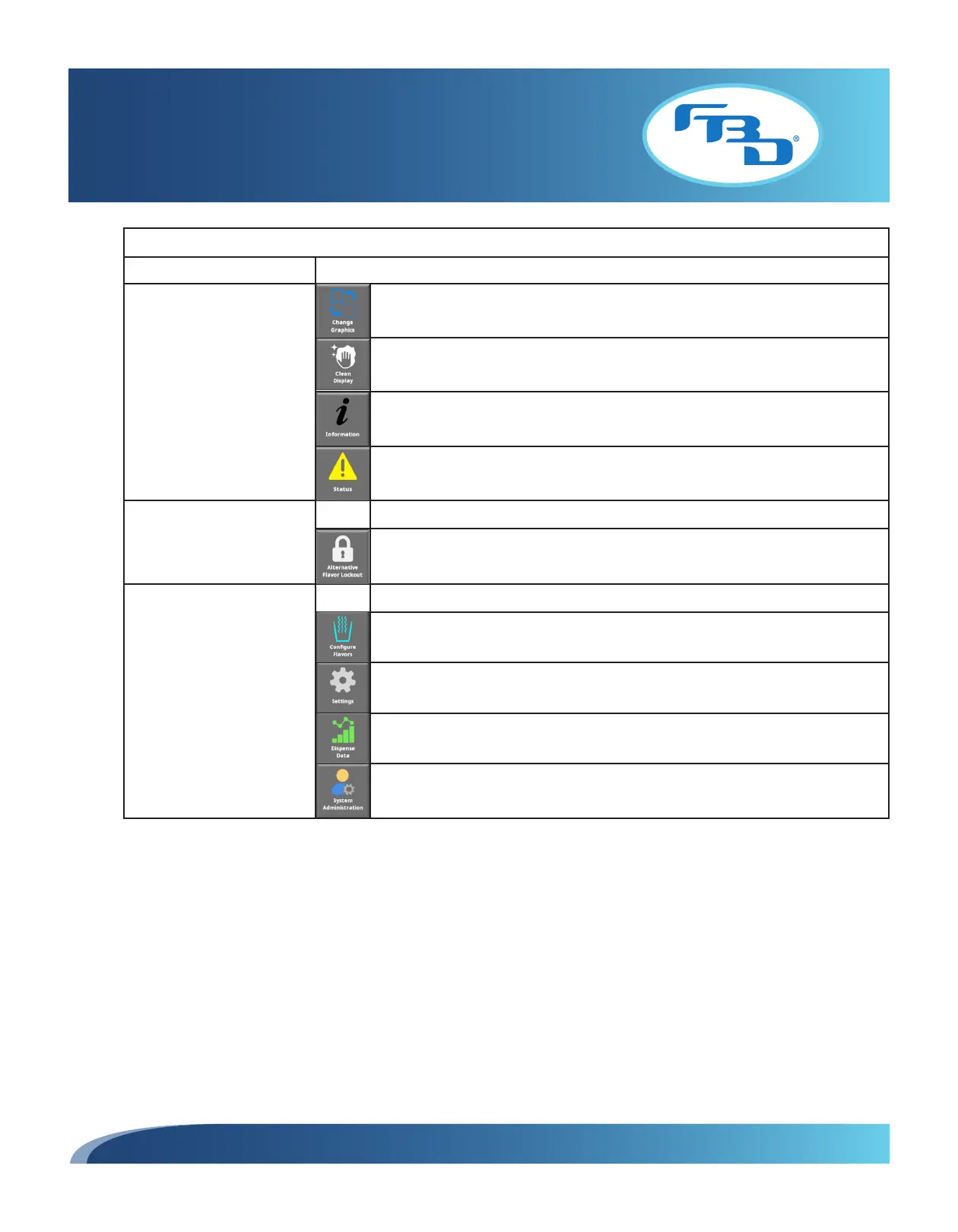
Configure flavor buttons and background images.
Option available to sample dispense to verify flavor(s) selected.
Clean display screen lock.
View information menu. Lists door software, settings, dispense software part
numbers, serial number, and legal information.
View status menu. Shows status of connected devices such as USB drives,
accelerometer, and dispenser communication.
Store Manager •
Same options as store operator.
Lock/unlock alternative flavors.
Service Technician* •
Same options as store manager.
Configure flavors - Set up flavor type and calibrate flavor add-in flow rate.
Access to door and dispense settings.
View drink dispense data.
System administration controls. Controls other settings and parts of the interface
functionality such as password changes for store operators or managers.
* Intended for use by trained service technicians only.



 To Next Page