INSTALLATION & OPERATION MANUAL
MULTI-FLAVOR MERCHANDISERS
23
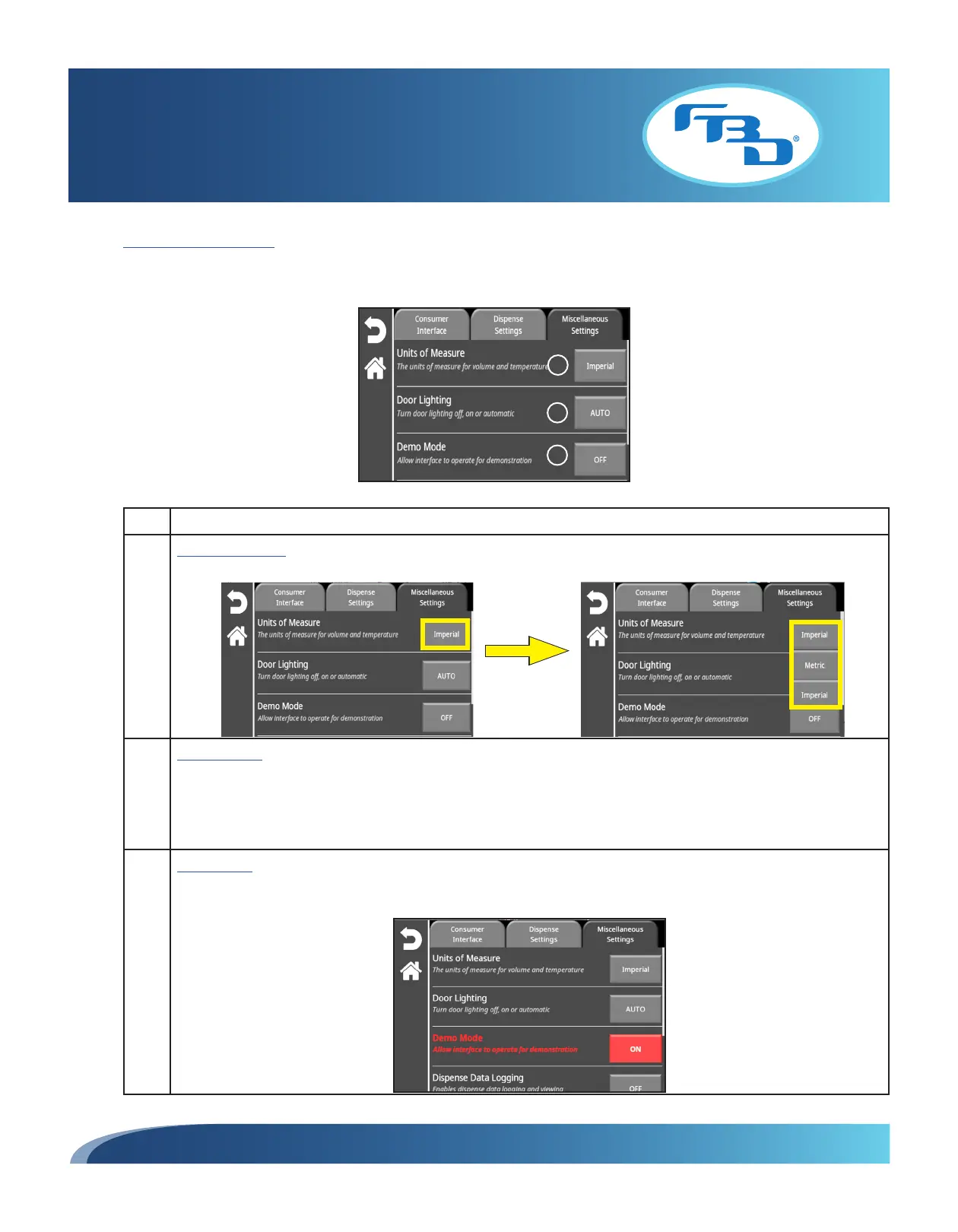
Miscellaneous Settings
The "Miscellaneous Settings" tab displays additional settings. Refer to the table below for additional information on each
setting.
Item Description
1 Units of Measure: Change the units of measure used throughout the various menus. Select the button next to
the option and a drop-down menu will appear that allows the user to select between Metric or Imperial.
2 Door Lighting: Allows for merchandiser lights (top and down-lighting) to be set to ON, OFF, or AUTO. When ON
is selected, the lights will be on at all times. When OFF is selected, the lights will be off at all times. When AUTO
is selected, the lights will be on when the barrel or barrels (in the case of 372MFLV and 772MFLV) are ready to
dispense, and will turn off when the barrel(s) are not ready to dispense. Also, while on AUTO, the down-lighting
will turn off any time the door is opened (lifted up).
3 Demo Mode: Turns the "Demo Mode" ON or OFF. Demo mode is intended to be used for demonstration purposes
only. While in "Demo Mode" the dispenser will not dispense any product. When turned on, the text for that
option and the button next to it will turn red to show the dispenser is in "Demo Mode."
1
2
3



 To Next Page