INSTALLATION & OPERATION MANUAL
MULTI-FLAVOR MERCHANDISERS
19
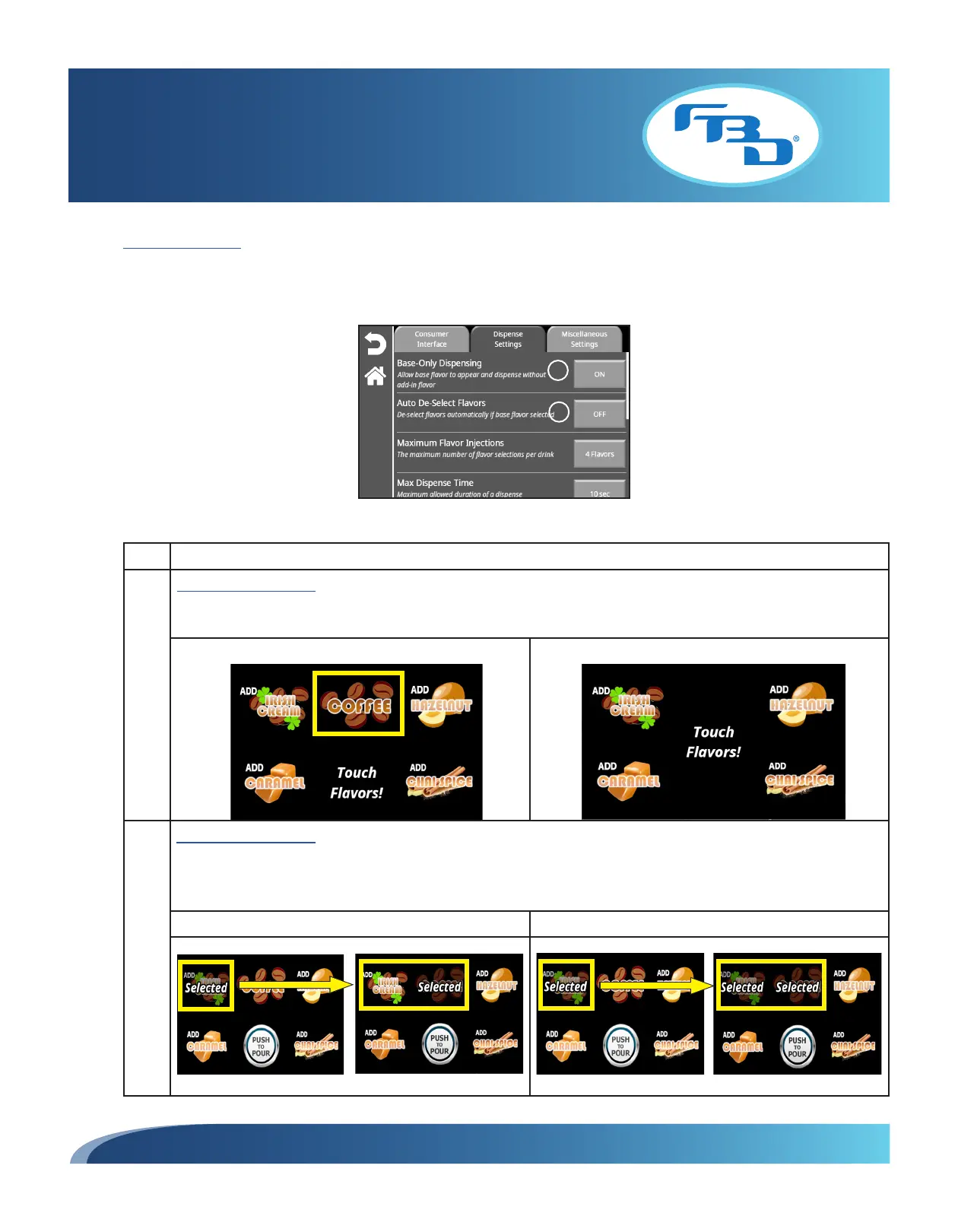
Dispense Settings
The "Dispense Settings" tab provides options related to how a drink is dispensed. Refer to the table below for additional
information on each option.
Item Description
1 Base-Only Dispensing: Shows/hides the base flavor on the main screen. When "ON", the base flavor will appear
on the main screen, giving the option to dispense the base flavor by itself without any flavor add-ins. When "OFF",
the base flavor will not appear on the main screen so that a flavor add-in has to be selected to dispense a drink.
BASE-ONLY DISPENSING ON BASE-ONLY DISPENSING OFF
2 Auto Deselect Flavors: Enables/disables deselecting flavor shots when the base flavor is selected. When "ON",
if the base flavor is selected after selecting one or more flavor shots, the flavor shots will be deselected. When
"OFF", if the base flavor is selected after selecting one or more of the flavor shots, the flavor add-ins will not be
deselected. The "Base-Only Dispensing" must be ON in order to use this option.
AUTO DESELECT FLAVORS ON AUTO DESELECT FLAVORS OFF
1
2



 To Next Page