7
1.3. Supported Bluetooth Profile
SPP (Serial Port Profile)
GATT Server (Generic Attribute Profile)
GATT Client (Generic Attribute Profile)
HFP Sink (Hands-Free Profile)
HFP Source (Hands-Free Profile)
A2DP Sink (Advanced Audio Distribution Profile)
A2DP Source (Advanced Audio Distribution Profile)
AVRCP Controller (Audio/Video remote controller Profile)
AVRCP Target (Audio/Video remote controller Profile)
HID Keyboard (Human Interface Profile)
PBAP Server (Phonebook Access Profile)
iAP2 (For iOS devices)
1.4. Command Format
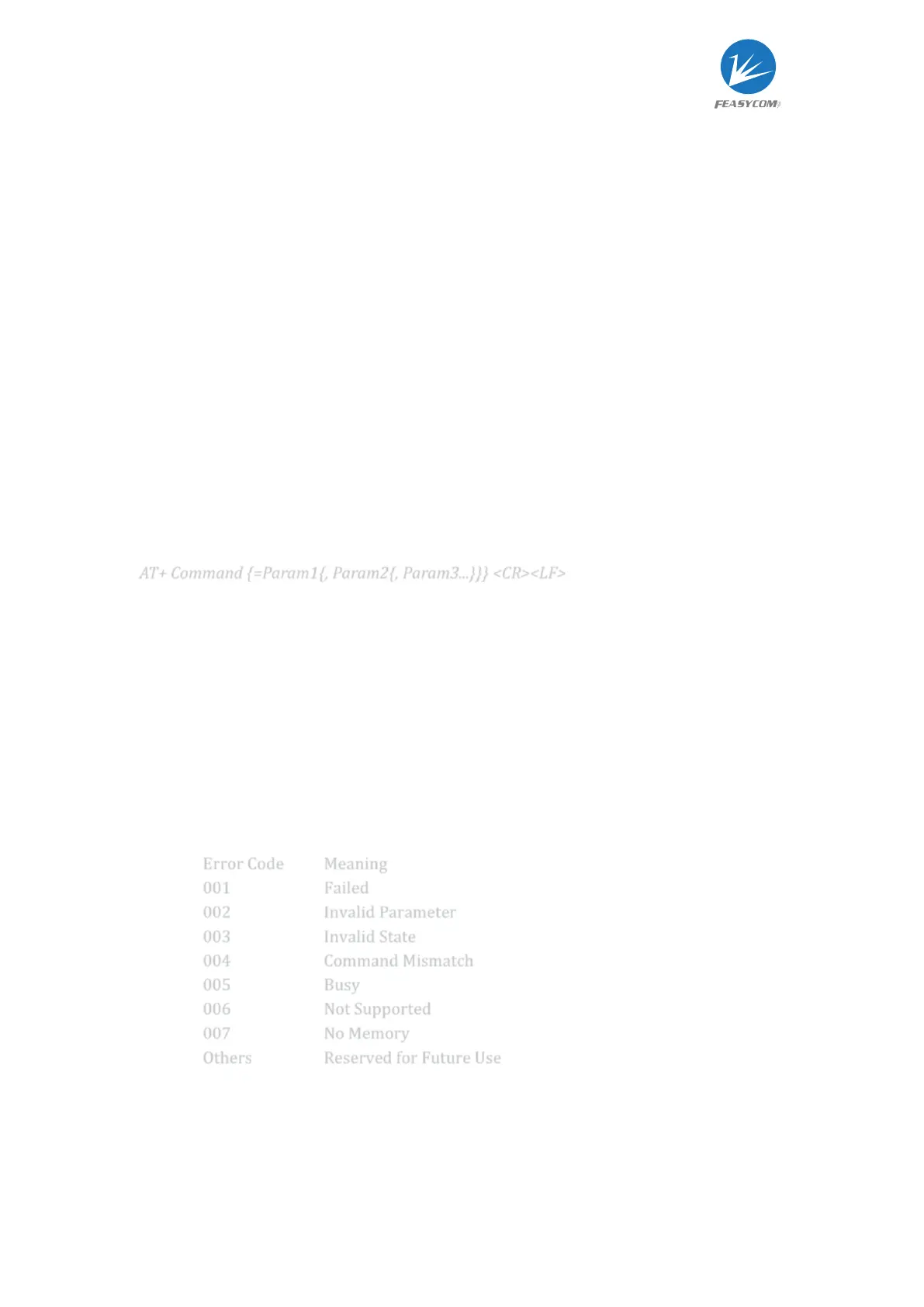
AT+ Command {=Param1{, Param2{, Param3...}}} <CR><LF>
All commands start with “AT”, end with <CR><LF>
<CR> stands for "carriage return", corresponding hex is 0x0D
<LF> stands for "line feed", corresponding hex is 0x0A
If command has parameter, parameter keep behind “=”
If command has multiple parameters, parameter must be separated by “,”
If command has response, response start with <CR><LF>, end with <CR><LF>
Module will always report command’s execution result using “OK” for success or
“ERR<code>” for failure



 To Next Page