- 28 -
Gimbal settings
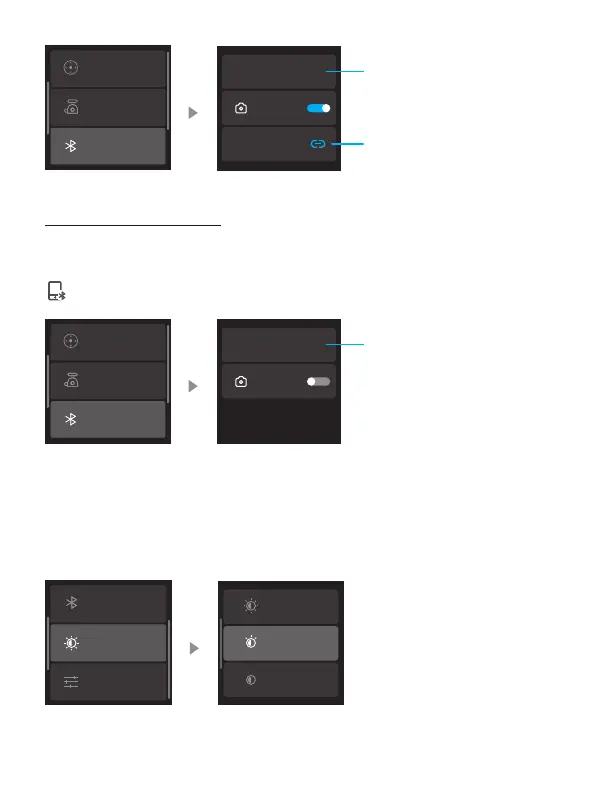
Bluetooth setting
Joystick settings
FY_SCORP_XXXXXX
Camera Cor
XXXXXXX
Gimbal Bluetooth name
Connect/Disconnect camera
Bluetooth
Connect the smartphone
Swipe from right to the left on the home page and select "Bluetooth Settings" to
view the gimbal's Bluetooth name. Turn on your phone's Bluetooth, locate the
gimbal's Bluetooth name for connecting. Once the connecting is successful, an icon
will appear at the top of the main page.
Gimbal settings
Bluetooth setting
Joystick settings
FY_SCORP_XXXXXX
Camera Cor
Gimbal Bluetooth name
8.3.13 Backlight settings
Swipe from right to the left on the home page, and select "Backlight Settings" to
adjust the screen's backlight brightness.
Backlight Settings
More
Bluetooth setting
High
Medium
Low















 To Next Page