28
In order to congure each schedule, you have to set the ON time and the OFF time.
ON MENU SCHEDULING
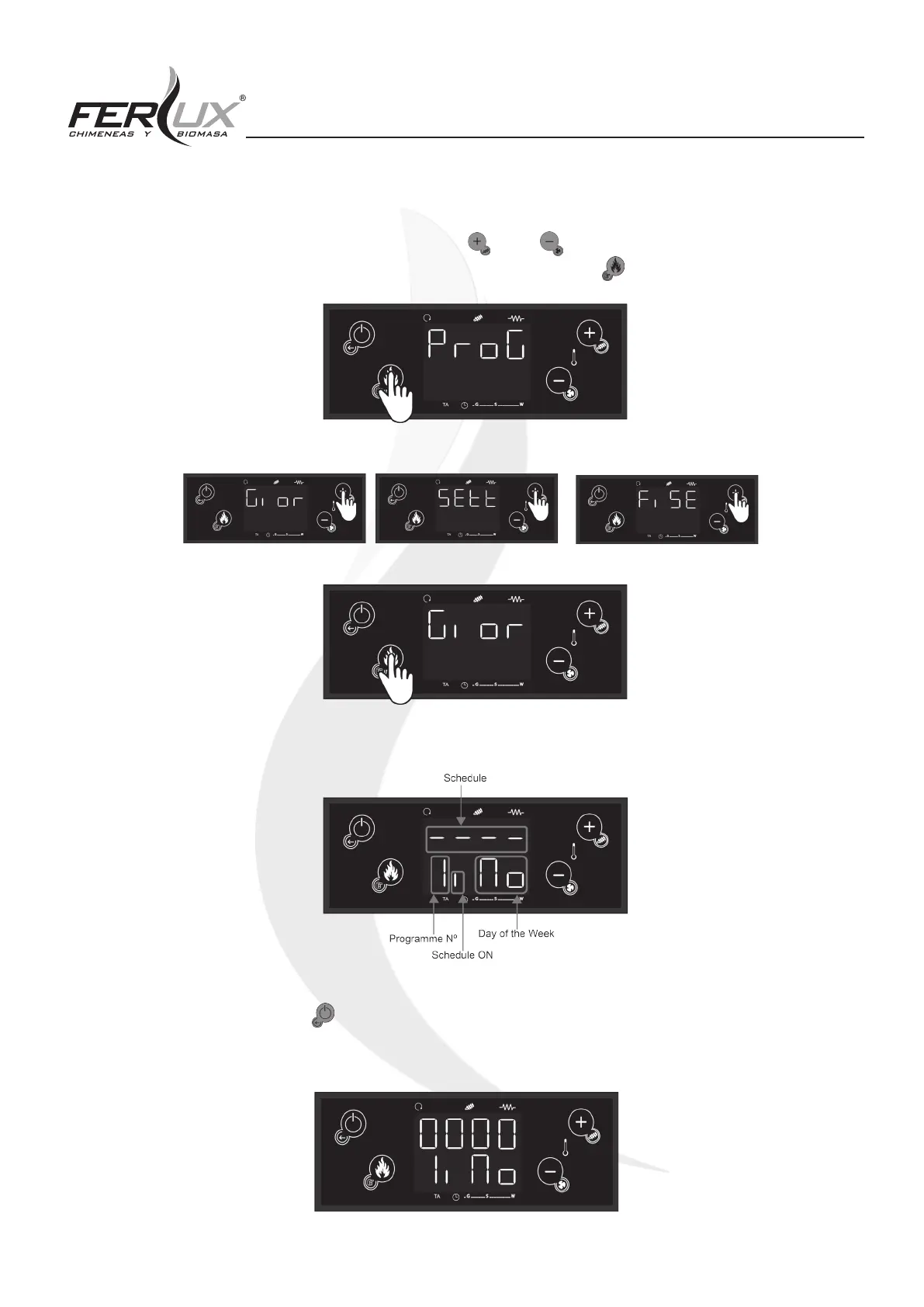
1. Once you have entered the (ProG) menu, use the (P2) or (P4) buttons to choose one of the three mo-
des that you wish to schedule and conrm the selection by pressing the (P3) button.
2. Once you have selected the mode, it will appear on the display as shown below:
3. After this, long press the (P1) button and on the upper screen (D1), the hours and minutes of the ON state
will appear as shown below:


 To Next Page