MONITOR MENU
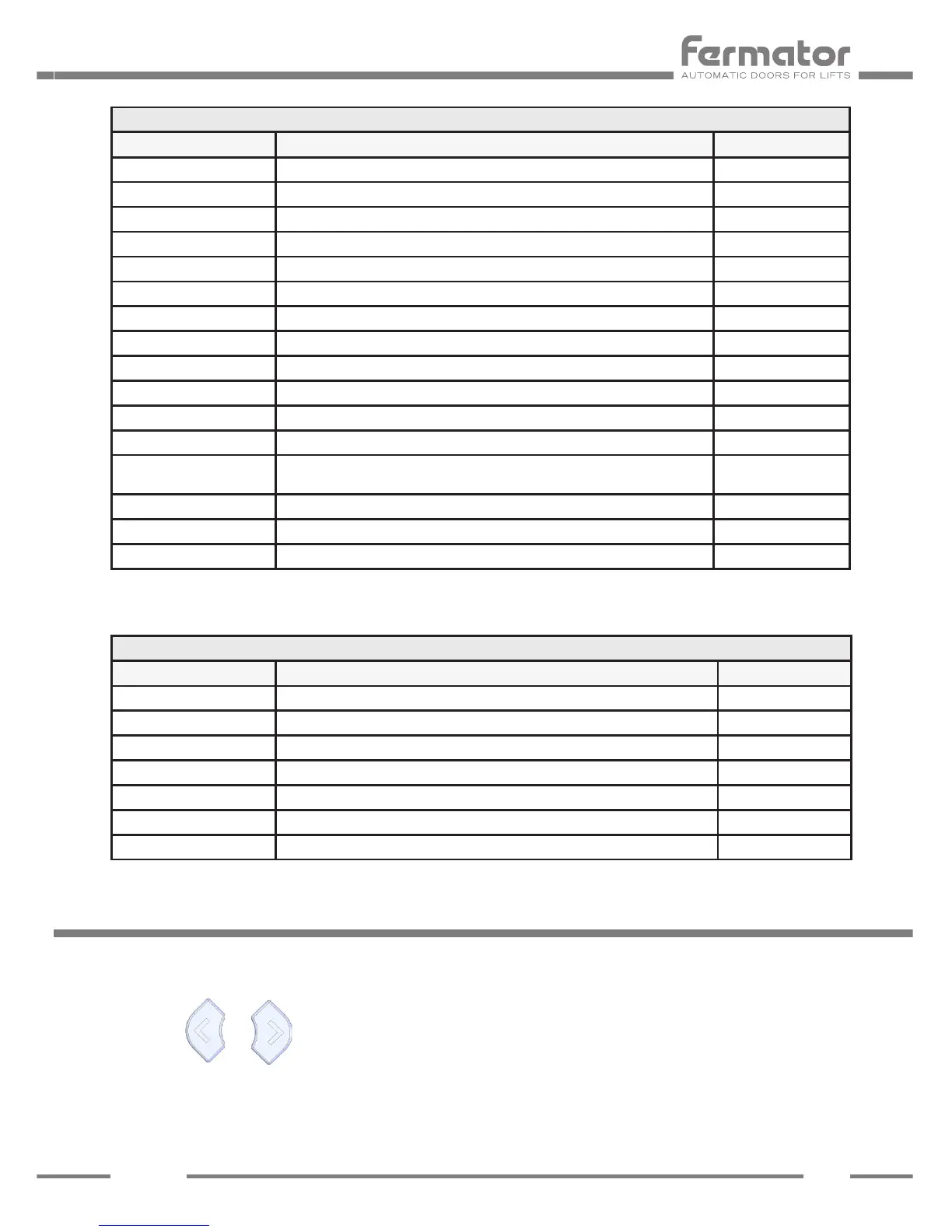
Monitor Counters
Parameter Description Units
Hours Number of working hours. -
Total Cycles Number of cycles done by the door. -
Powerups Number of connections to the mains supply or blackouts suffered. -
Learning Cycles Number of learning cycles made. -
Reopenings Number of re-open cycles. -
Short-Circuits Number of times that the short-Circuits alarm has been activated. -
OverCurrents Number of times that the Over Currents alarm has been activated. -
UnderVoltages Number of times that the Under Voltages alarm has been activated. -
Security Device Faults Number of times the light curtain has fault or blocked more than 2 minutes -
VF7 Overtemperature Number of times that the VF7 overtemperature alarm has been activated. -
Motor Overtemperature Number of times that the Motor overtemperature alarm has been activated. -
VF7 Crit. Overtemp. Number of times that the VF7 critical overtemperature alarm has been activated. -
Motor Crit. Overtemp. Number of times that the Motor critical overtemperature alarm has been
activated.
-
Op. Obstructions Number of obstructions in the opening movement. -
Cl. Obstructions Number of blockages in the closing movement. -
Manoeuvre Failures Number of times that the Manoeuvre Failures has been activated. -
Monitor Information
Parameter Description Units
Software Version Circuit software version. -
Hardware Version Circuit hardware version. -
Hardware Subversion Circuit hardware subversion. -
Serial Number Identication serial number for each unit. -
Supplier Supplier identication code. -
Test Date Date of manufacture. -
Software subversion Circuit software subversion. -
PROGRAMMING MENU
The Programming Menu displays the VF7 internal parameters an options.
Push the or button to select the sub-menu.


 To Next Page