DUOX PLUS IP CAMERA INTERFACE 11
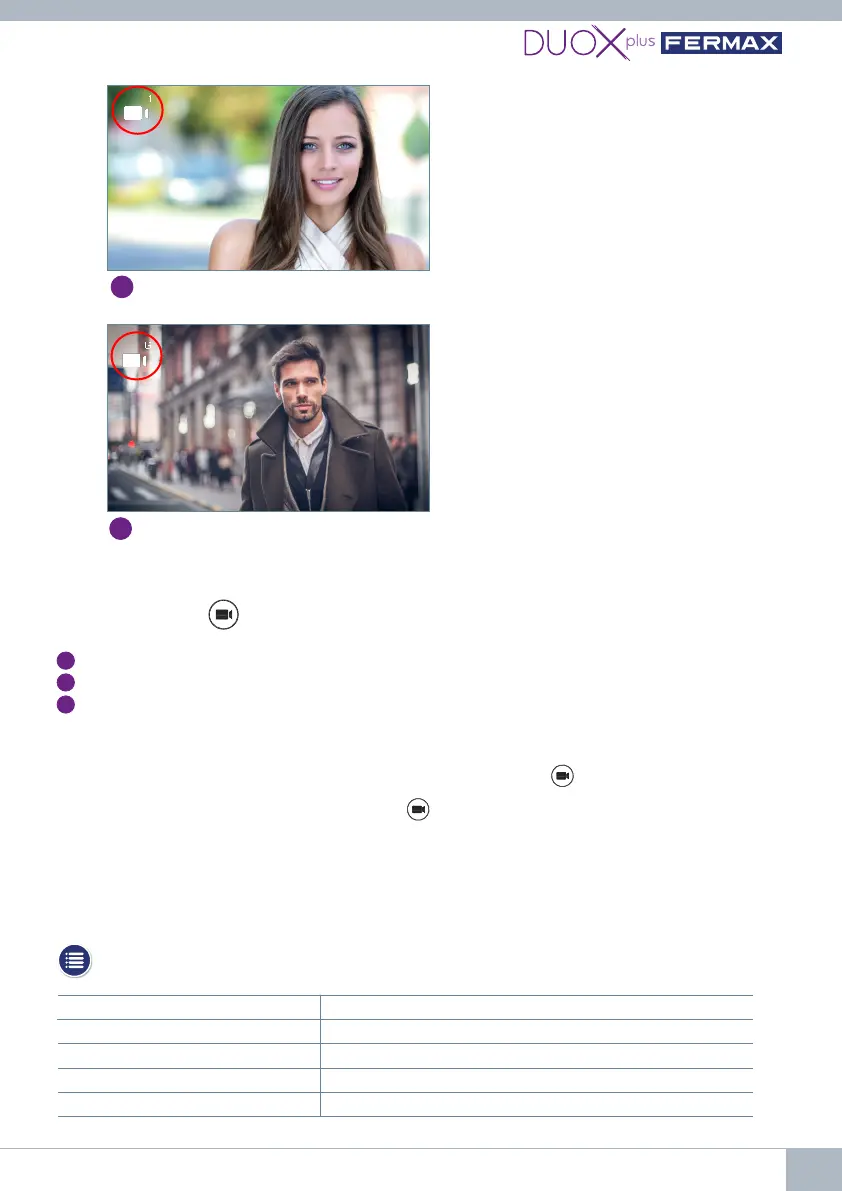
Auto switch-on operation with installed interface
6. TECHNICAL SPECIFICATIONS
Supply voltage 18 Vdc 24 Vdc
Standby consumption 140 mA (max.) 104 mA (max.)
Active consumption 153 mA (max.) 110 mA (max.)
Working temperature -10 ºC to +55 ºC
Humidity 5%, 90% non-condensing
In standby, press on the monitor to perform auto switch-on with dierent panels /
cameras.Pressingsequentially,thedisplayis:
1
Panel 0 or Camera 0 of the block itself (one or the other).
2
Panel 1 or Camera 1 of the block itself (one or the other).
3
Panel 0 or Camera 0 of the General Entrance (one or the other).
CAPACITIES:Up to 3 views in total will be available, which can be from panels or cameras.
Notes:
- When the monitor is in standby mode, the auto switch-on function allows 30 seconds to pick up
the monitor:
• If you do NOT pick up, sequentially pressing gives you the option to switch cameras.
• If you pick up, you have a maximum viewing time of 90 seconds, has the option to change the
camera.
- If the interface is programmed as Camera 0, when a telephone is picked up from its block, the user
will not hear or see anything (because the telephone does not display video and the interface does
not transmit audio).
Panel 1 or Camera 1 of the Monitor block
2
Panel 0 or Camera 0 of the General Entrance (G)
3















 To Next Page