9
BATTERY
#7: Battery
Checking battery level:
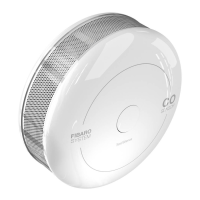
FIBARO CO Sensor automatically warns about low battery with one
yellow blink and a short beep, when battery level is low.
Replacing the battery:
1. Remove the device from the cover by turning it counter-clockwise.
2. Pull the paper strip to take out the battery.
3. Press and hold the button for at least one second.
4. Insert a new CR123A battery observing the polarities shown
inside.
5. Attach the device to its cover by turning it clockwise and perform
the test (as described in #5: Operating the device).
CAUTION
Using batteries other
than specied may
result in explosion.
Dispose of properly,
observing environ-
mental protection
rules.
FIBARO CO Sensor can be powered with CR123A (included) battery.
Estimated battery life with device on default settings is 3 years (tested
with Panasonic Industrial Lithium).
CAUTION
Use only type of bat-
tery specied in this
manual and keep
proper polarity!


 To Next Page