ProtoNode Startup Guide Page 17 of 25
ProtoCessor 1991 Tarob Court Milpitas, California 95035 USA Web: www.protocessor.com
Tel: (408) 964 4444 Fax: (408) 262-2269 Toll Free: 888-509-1970 X141 email: support@protocessor.com
Appendix B Vendor Information
Appendix B.1. Additional DIP switch settings
When more configuration settings are needed than possible via the external S Bank DIP Switches, then the
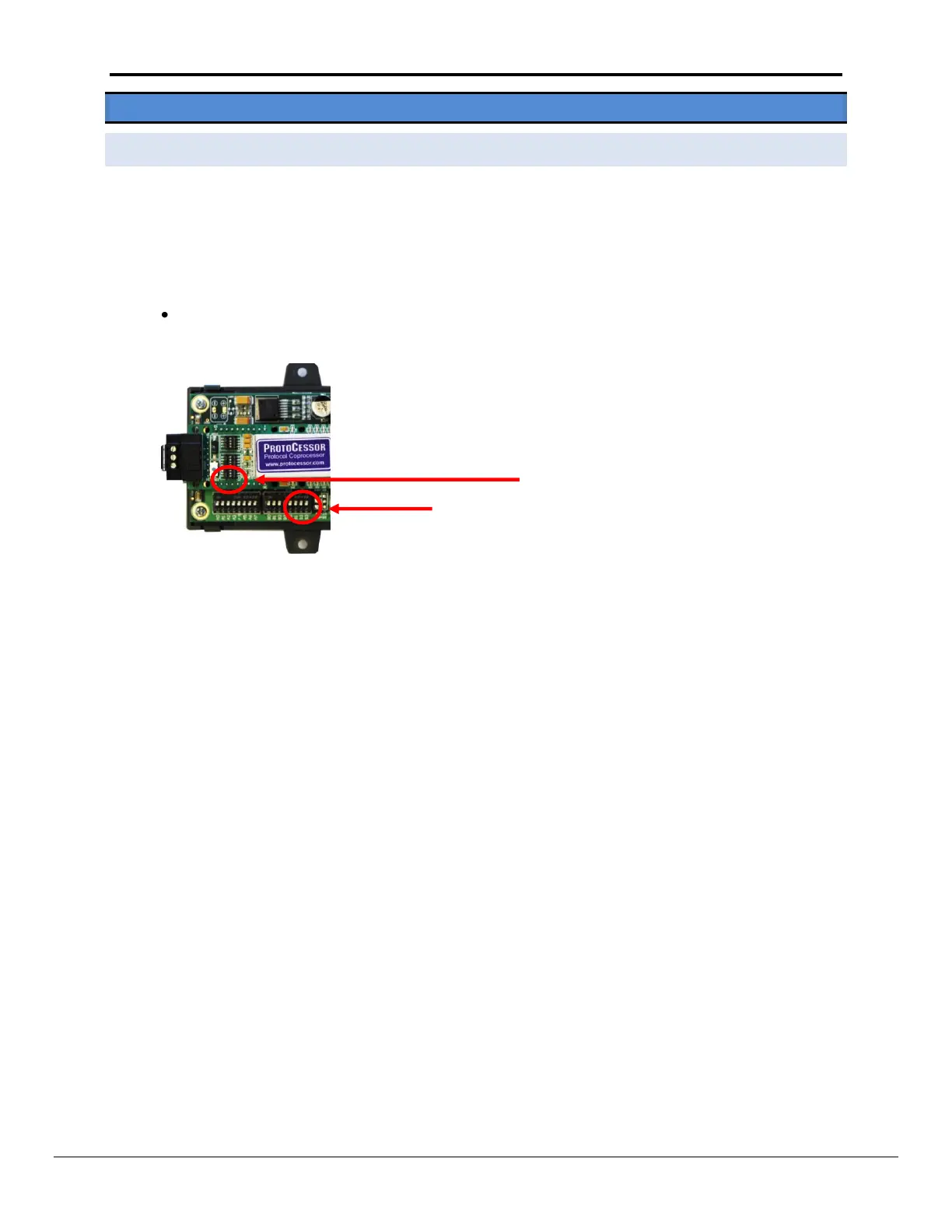
user can access the A Bank DIP Switches internal to the ProtoNode.
Note: The lid on top of the ProtoNode has to be removed in order to select the A Bank of DIP switches. Pull
on the lid while holding the on to the 6 pin Phoenix connector. Please do not hold the wall mount tabs as
these are designed to break off if not required!
To set select these configurations, open the ProtoNode and select the A bank of switches (A1 or A2 or
A3) on the small ProtoCessor module that sits on top of the ProtoCarrier (inside the ProtoNode).



 To Next Page