Generic ProtoNode Startup Guide Page 6 of 25
ProtoCessor 1991 Tarob Court Milpitas, California 95035 USA Web: www.protocessor.com
Tel: (408) 964 4444 Fax: (408) 262-2269 Toll Free: 888-509-1970 X141 email: support@protocessor.com
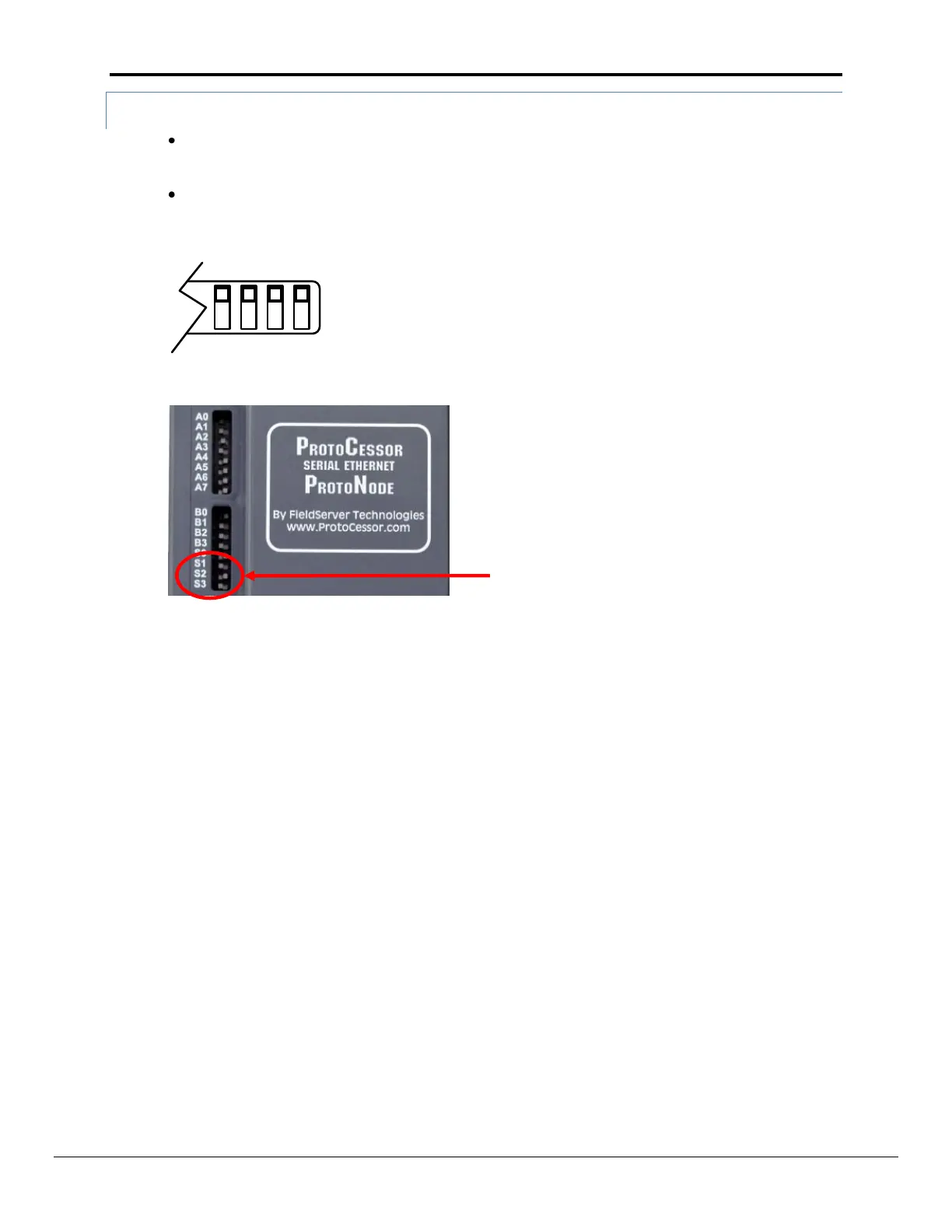
2.4.3 Using S0 – S3 bank of DIP Switches to select and load Configuration Files
The S bank of DIP switches, S0 - S3 is used to select and load a configuration file from a group of
pretested/preloaded configuration files that the OEM has programmed for their end users.
End customers will need to go back to the OEM of the device that they are installing to get the DIP
settings for the ProtoNode. The ProtoCessor part number will need to be provided to identify which
unit it is.
Figure 3: S0 – S3 DIP Switches



 To Next Page