Generic ProtoNode Startup Guide Page 13 of 25
ProtoCessor 1991 Tarob Court Milpitas, California 95035 USA Web: www.protocessor.com
Tel: (408) 964 4444 Fax: (408) 262-2269 Toll Free: 888-509-1970 X141 email: support@protocessor.com
Appendix A Troubleshooting Tips if the ProtoNode is not working
Appendix A.1. Check Wiring and Settings
No COMS on Serial Port side. If TX/RX is not flashing rapidly then there is a COM issue on the Serial Port
side and you need to check the following things:
o Visual observations of LEDs on ProtoNode. See Appendix A.3
o Check baud rate, parity, data bits, stop bits
o Check Serial Port device address
o Verify wiring
Field COM problems.
o Visual observations of LEDs on ProtoNode. See Appendix A.3
o Visual dipswitch settings (using correct baud rate and device instance)
o Verify IP address setting
o Verify wiring
If the problem still exists, a log needs to be taken and sent to FieldServer.
Appendix A.2. Take Log With Our FieldServer Utilities
Once the log is complete, email it to support@protocessor.com. The log will allow us to rapidly diagnose
the problem.
Make sure the FieldServer utilities are loaded on the PC.
http://fieldserver.com/techsupport/utility/utility.php
Disable any wireless Ethernet adapters on the PC/Laptop
Disable firewall and virus protection software
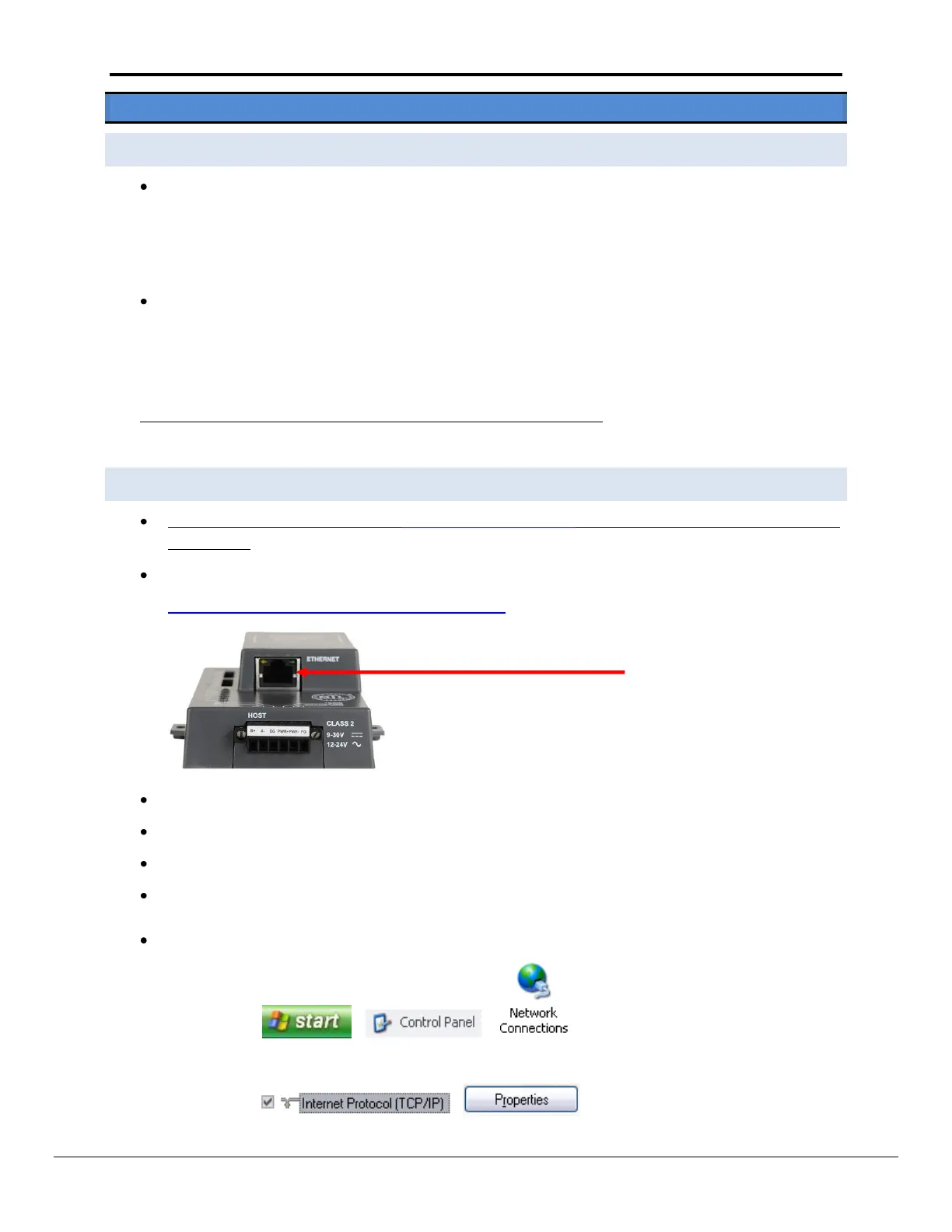
Connect a standard cat5 Ethernet cable between the PC and
The Default IP Address of the ProtoNode is 192.168.1.24, Subnet Mask is 255.255.255.0. If the PC and the
ProtoNode are on different IP Networks, assign a static IP Address to the PC on the 192.168.1.xxx network
For Windows XP:
Go to > >
Right-click on Local Area Connection > Properties
Highlight >



 To Next Page