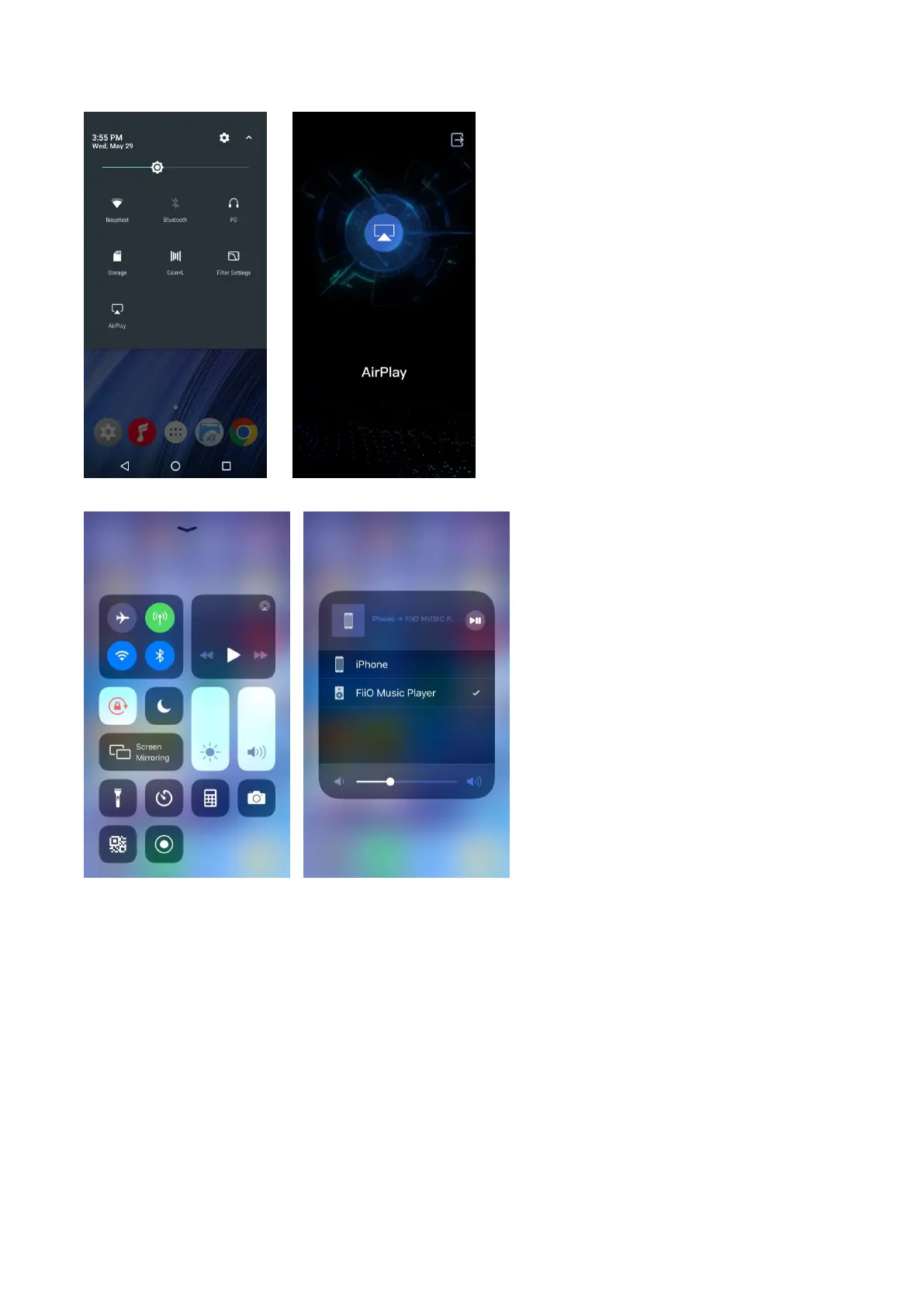
(3)Click the device AirPlay button, and then choose “FiiO Music Player” to connect;
(4)Play music on your Apple device, and then you can listen on the M15.
Chapter 6 Display
Display settings consist of Brightness level, Wallpaper, Indicator Light Control, Sleep, Screen saver,
Font size, Display size and Display volume. The following is a detailed description of several
common function items.
Indicator Light Control
The brightness level and working status of the indicator light can be chosen in this menu.
Brightness level
1)There is a brightness bar on the list which can control the brightness of the pulsar light;
2)When “Follow the volume” is chosen, the brightness of the pulsar light will be adjusted



 To Next Page