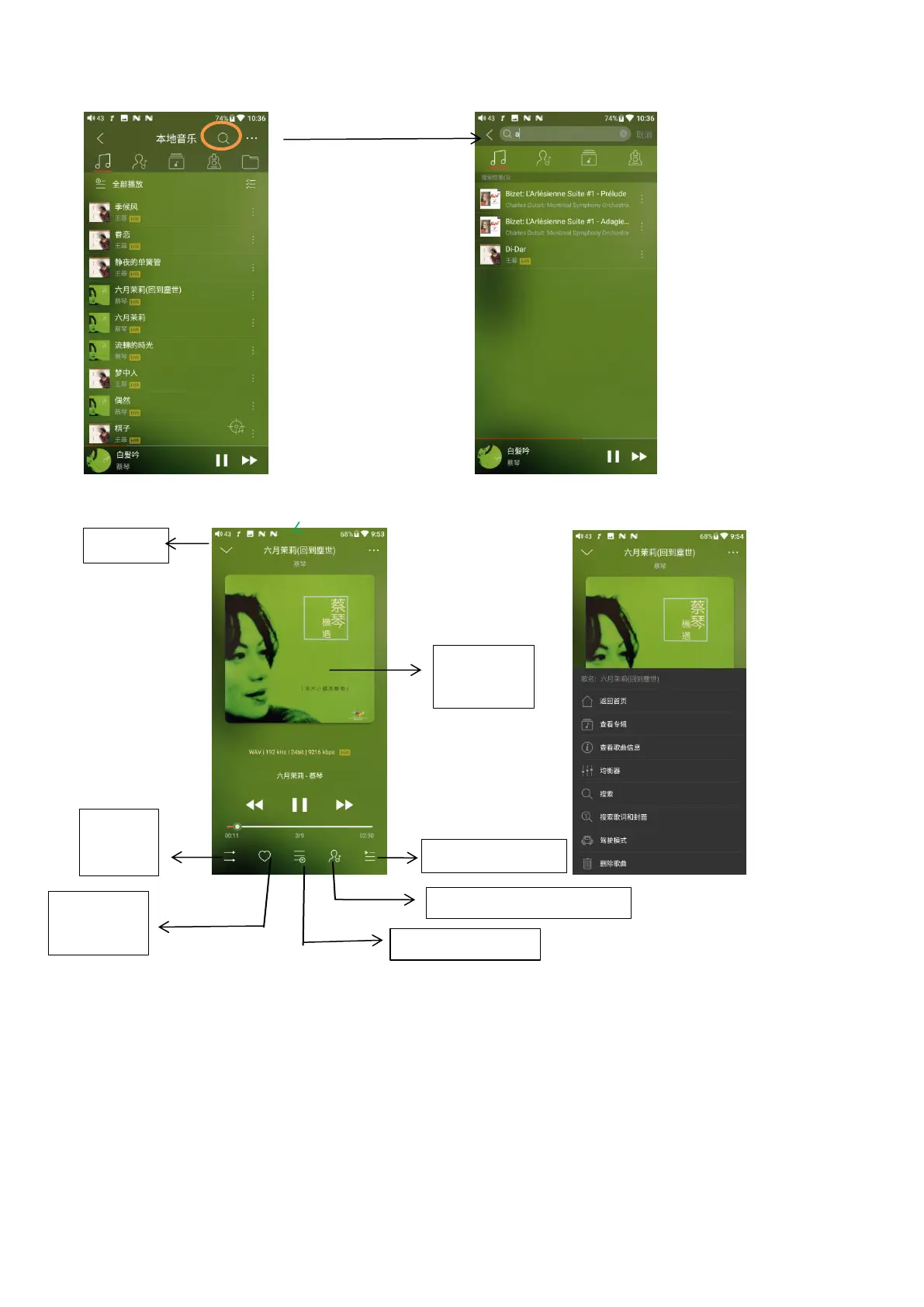
Now playing interface
Switching area
Clicking in the middle of the album cover enables you to switch between album cover and lyrics;
sliding to the left or right enables you to play the next or previous track.
Slide to fast forward/rewind
Tap anywhere on the progress bar below the album cover area to jump to the corresponding part
of the track now playing;
Notice: while in the lyrics display page, you can adjust the playback progress by sliding over the
Check current artist info



 To Next Page