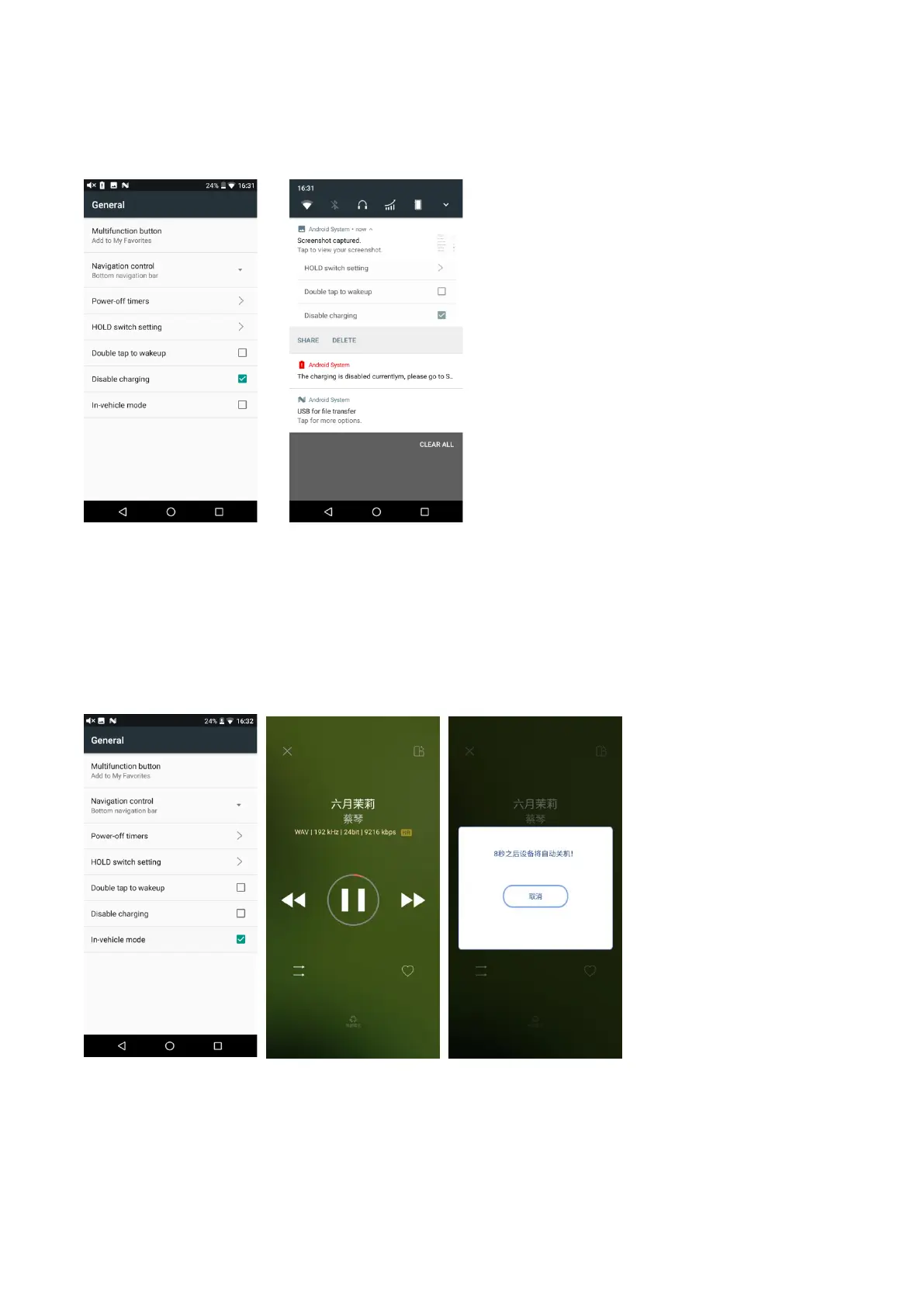
caused by charging while working.
Notice: when the M15 is in low battery, the disable charging option would be automatically
canceled so that the M15 would be charged.
In-vehicle mode
Under this option, connect the M15 with the in-vehicle USB by an USB cable. When the vehicle is on,
the M15 would automatically turn on and enter FiiO Music exclusive in-vehicle interface. When the
vehicle is off, the M15 would be off.
Notice: part of the in-vehicle USB would have noise wave. This may affect the music playing. It is
suggested to collocate with the LA-UA1 which could help to isolate the interference and improve
music quality.
Chapter 8 FiiO Music
Homepage



 To Next Page