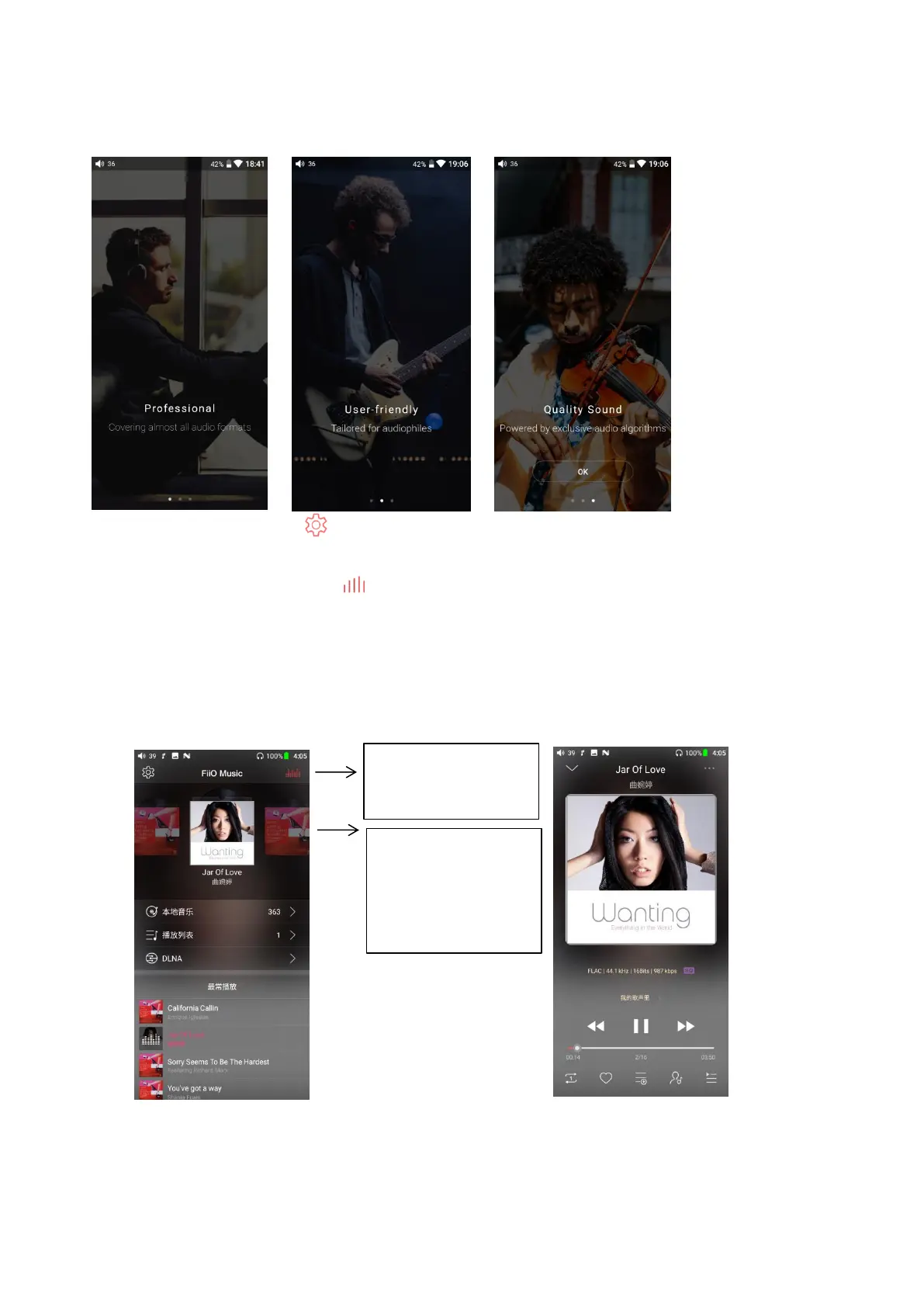
Tap to switch
among Recently
Played, Most Played
and Recently Added
Tap to jump to the
now playing page
FiiO Music will enter the guide page when first started. Swipe right to the last page and click
immediately experience to enter the homepage. Instructions are shown below.
1)Setting icon: press the icon to enter the setting page (or swipe from left to right over 1/3 of the
left side of the screen);
2)Playing interface: press the icon to enter the playing interface;
3)Recently played: a list of recently played songs are presented chronologically. The first track in
the list is the most recently played one;
4)Frequently played: a list of songs are presented according to frequency of playing. The first track
in the list is the most frequently played one;
5)Recently added: a list of recently added songs are presented chronologically. The first track in the
list is the most recently added one.



 To Next Page