a. Tap the button on the upper right to the right to activate the equalizer.
b. Choose the genre preset to be adjusted (e.g. “User Defined”);
c. Drag a vertical slider to adjust its corresponding frequency up and down. The EQ
curve above changes to reflect your adjustments.
Swipe left or right over the sliders to move between the low and high frequency sliders;
d. Tap the Back button at the upper left corner to exit and save changes;
Reset EQ: Tap the Reset button at the upper right corner to reset the present EQ
preset to its original genre.
Notice: if a factory data reset is performed on the M15, all EQ settings will be reset to default.
MQA
MQA (Master Quality Authenticated)
M15 includes MQA technology, which enables you to play back MQA audio files and streams,
delivering the sound of the original master recording.
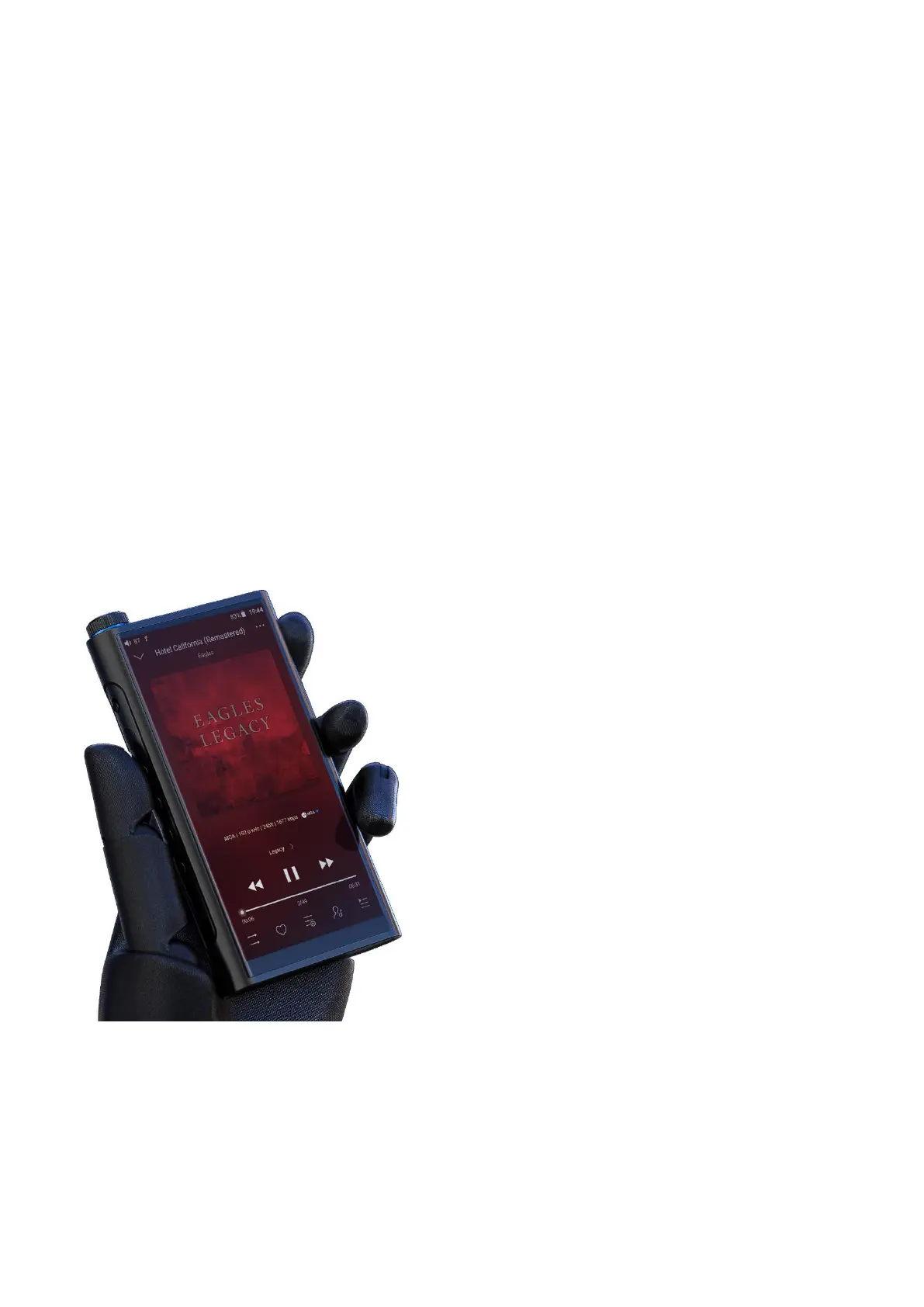
The green or blue dot next to MQA logo indicates that the unit is decoding and playing an MQA
stream or file, and denotes provenance to ensure that the sound is identical to that of the source
material. It glows blue to indicate it is playing an MQA Studio file, which has either been approved
in the studio by the artist/producer or has been verified by the copyright owner.
Visit mqa.co.uk for more information.
MQA and the Sound Wave Device are registered trade marks of MQA Limited.© 2016



 To Previous Page