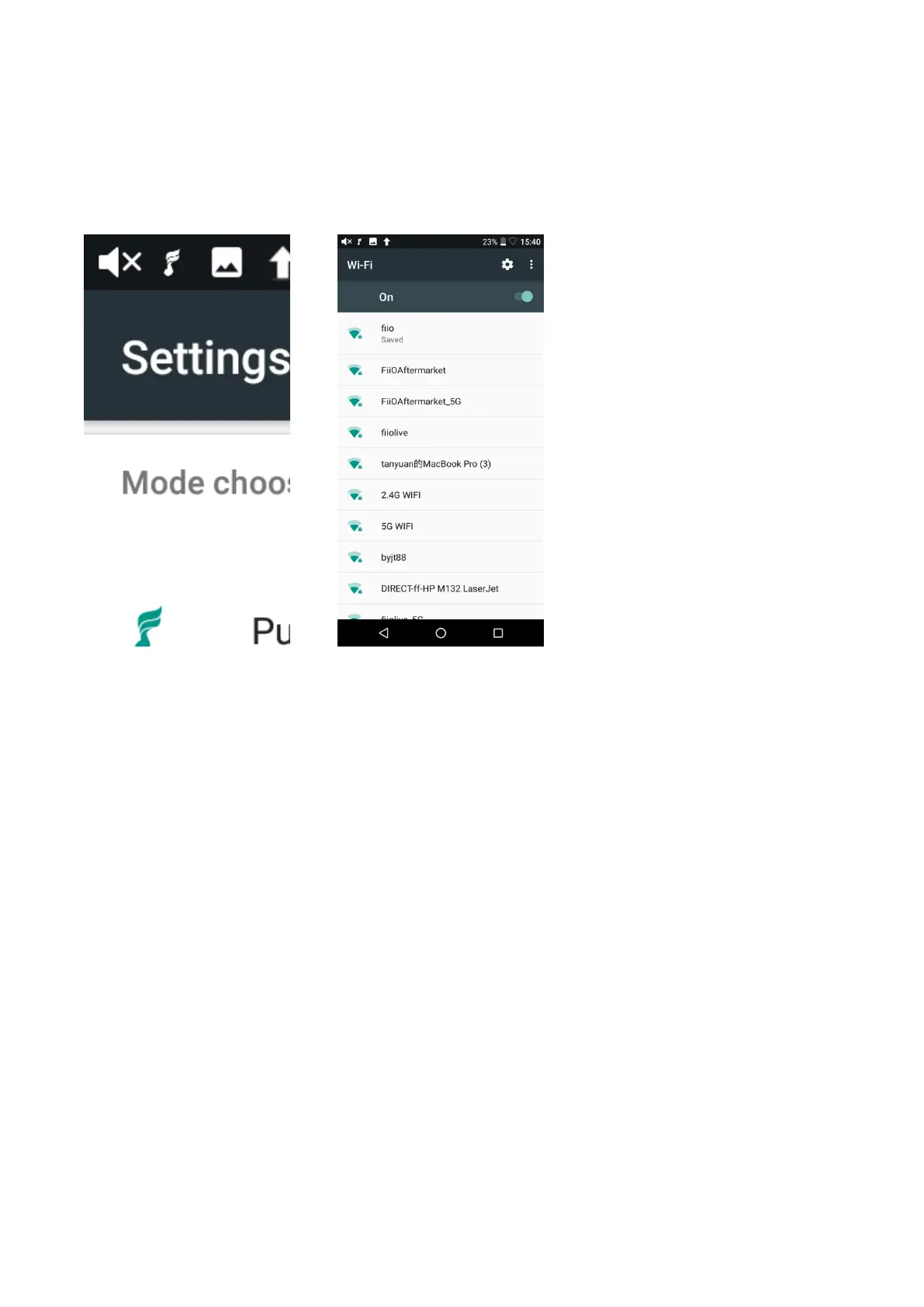
1)Click“Wi-Fi”in the Settings menu as shown in the picture below;
2)Slide the WiFi switch to the right (ON) and the M15 will automatically search for and display
available WiFi connections;
3)Tap the name of the WiFi network you wish to connect to and input the password if prompted,
and then the M15 will connect to the network.
Bluetooth transmitting
When the M15 is used as a Bluetooth transmitter connecting with new Bluetooth devices such as
Bluetooth earphones, Bluetooth speakers, it needs to be first paired with relating devices. The steps
are as follows.
1)Tap the Bluetooth in Settings;
2)If the Bluetooth on the M15 is off, turn it on by flicking the switch on the upper right to the
“On” position on the right;
3)Available devices will be automatically displayed on the list;
4) Tap the name of your Bluetooth device to pair with it. Successfully paired devices will appear
under the “Paired devices” list.



 To Next Page