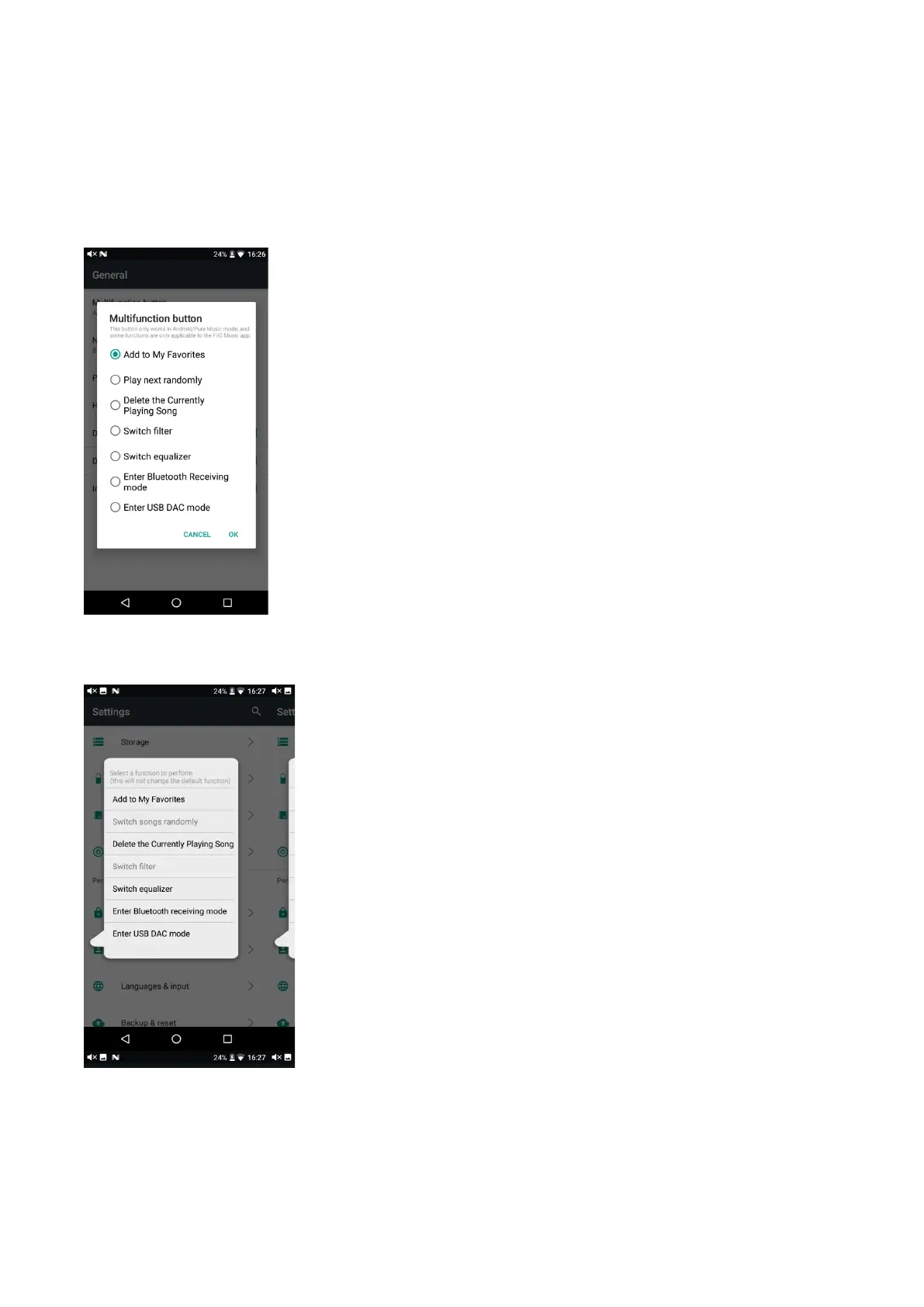
current track on FiiO Music to my favorites. Go to Settings->General->Multifunction button to
switch to other functions, such as play next randomly, delete the current playing song, switch filters,
switch equalizer, enter USB DAC mode, enter Bluetooth Receiving mode. More functions will be
available in the coming time.
Short press the multifunction button
Execute the chosen function
Long press the multifunction button
Long press to enable the function menu and click to execute corresponding functions. This option is
only valid for one time.
Notice: the multifunction button only works in Android/Pure Music Mode, and some functions are
only applicable to the FiiO Music app.



 To Next Page