---------------------------------------------------------------------------------
FINE MECHATRONICS FS8000
5
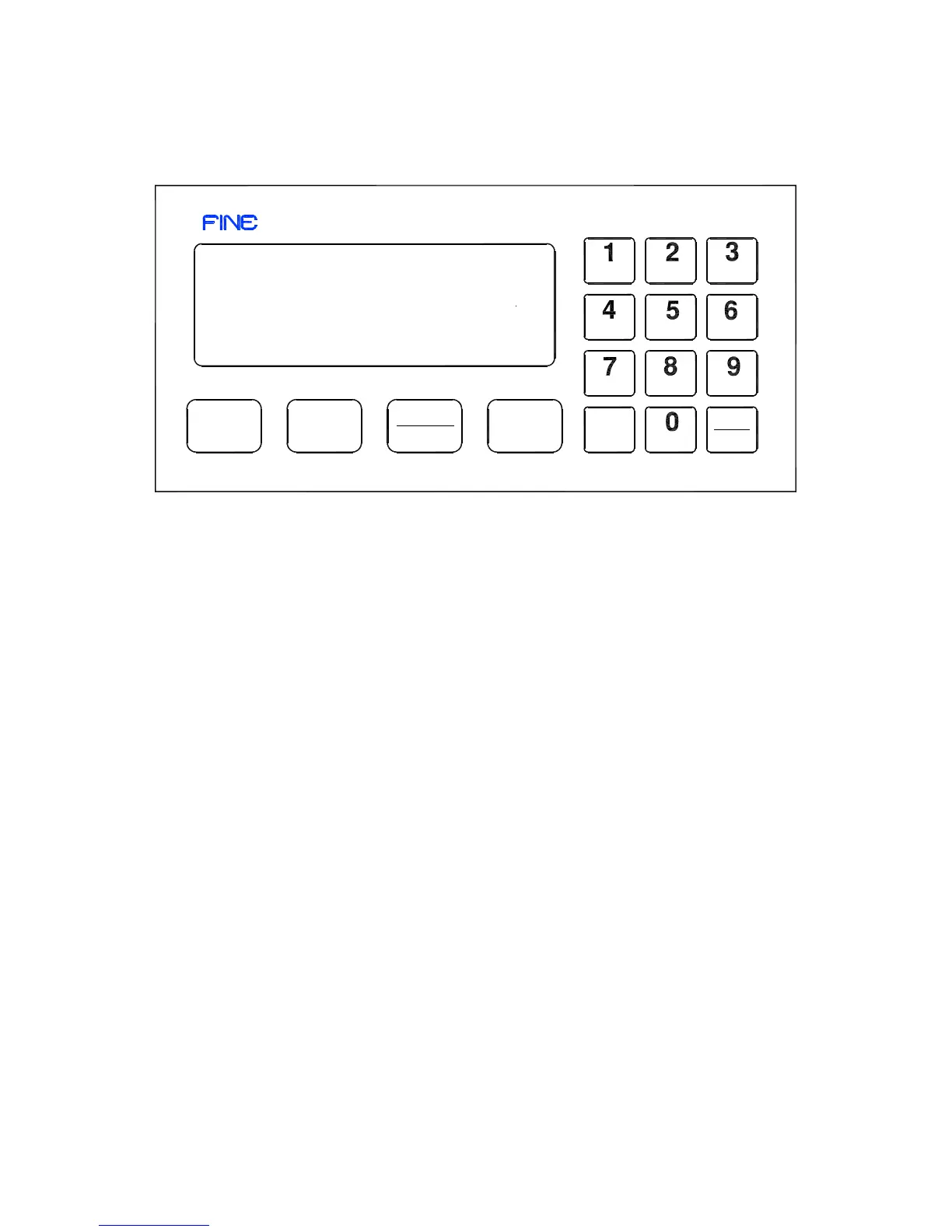
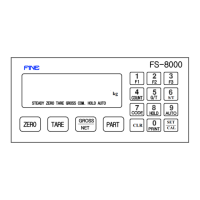
1-4. FRONT PANEL DESCRIPTION
1-4-1. LAMP
▼ STEADY : This Lamp will be turned on the stable weight
The condition of STEADY Lamp can set up by F04,F08.
Also,it will be a certerion of weighing for auto function operating.
▼ ZERO : This Lamp will be truned when the weighing device is empty.
The condition of ZERO Lamp can set up by F03,F13.
Also,it will be a certerion of weighing for auto function operating.
▼ TARE : This Lamp will be displayed when TARE weight was set up
(SET-UP F12 REFERENCE)
▼ GROSS : This Lamp will be displayed when the present weight was GROSS.
Avilable to display When TARE was set up.
▼ COM. : This Lamp will be displayed when Serial Interface was connected to
External devices
▼ HOLD : This Lamp will be displayed when HOLD works (SETUP F25 REFERENCE)
▼ AUTO : This Lamp will be displayed when AUTO works
(SETUP F24 REFERENCE)
F1
F2
F3
COUNT
G/T
S/T
kg
CODE
AUTO
HOLD
CLR
SET
CAL
PRINT
FS-8000
STEADY ZERO TARE GROSS COM. HOLD AUTO
ZERO
TARE
GROSS
NET
PART


 To Next Page