50
Do check the electrical
connections by a qualified
electrician
Temporary black out <10 mins
1. Clean the
condenser regularly
2. Save regularly the
functional data
Reporting service for a smooth equipment operation and data safety
Clean the condenser (Par 8.3)
Data backup (Par. 5.2.13 o 5.2.14)
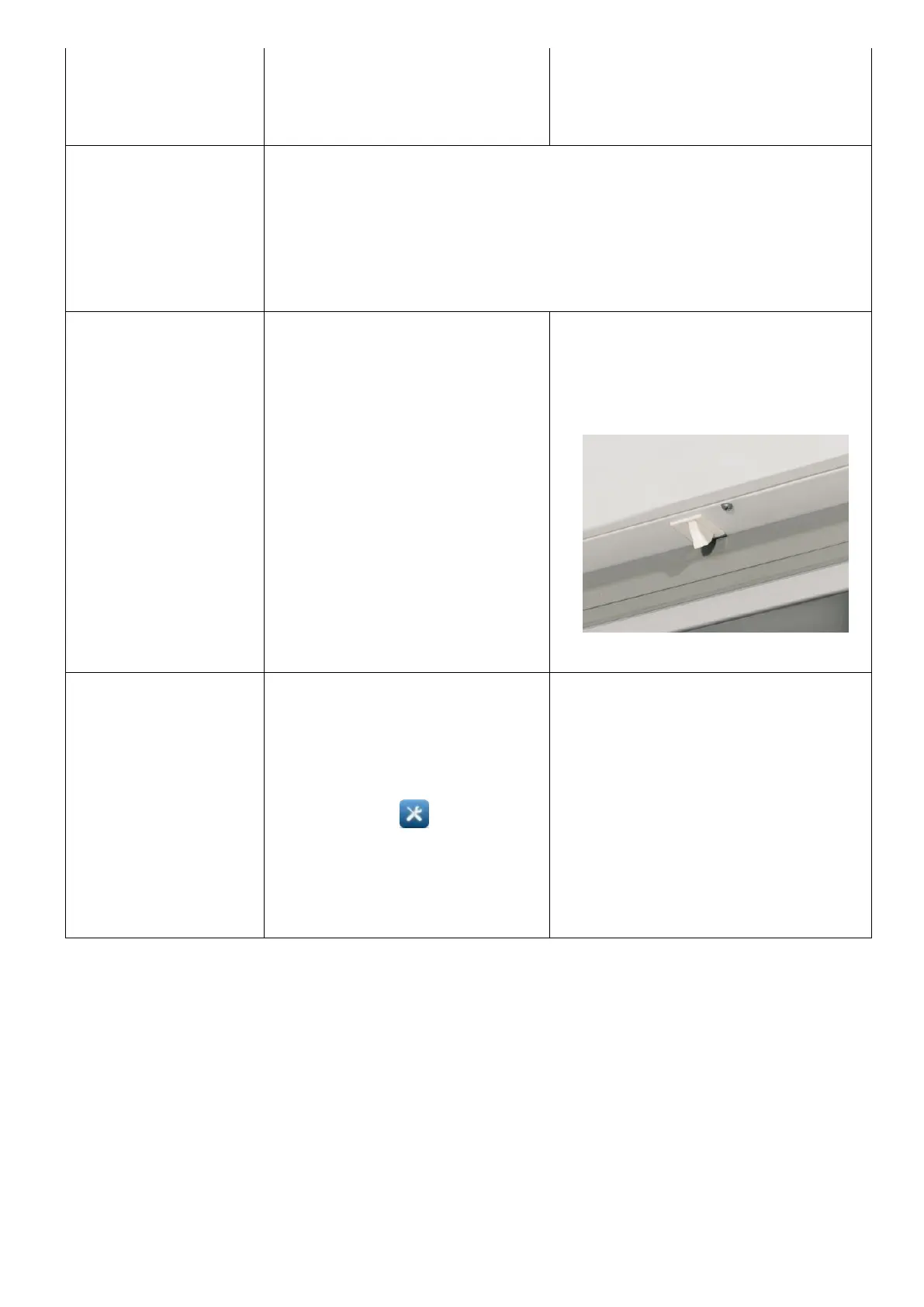
SWITCH DOOR
FAILURE
COMPARTMENT A
SWITCH DOOR
FAILURE
COMPARTMENT B
Make sure the correct
message is displayed on the
status of the door opening it
and closing it.
Turn the refrigerator off from
the display, -STAND BY-
Par.5.2.8. After a while turn it
on and the visual and
acoustic alarm is off.
Tap the off alarm/fault icon so
to permanently delete the
signal (par.5.2.16).
If the problem occurs again,
contact technical service
Micro switch failure or
disconnection
In case of S1 probe failure,
temperature control inside the
chamber does not occur in an
accurate way. Nevertheless,
the device keeps working.
Tap on icon in order to
view alarm list and to mute it
(par.5.2.16)
Contact technical service for
probe replacement
Disconnected or faulty probe
S1 Compartment probe failure


 To Next Page