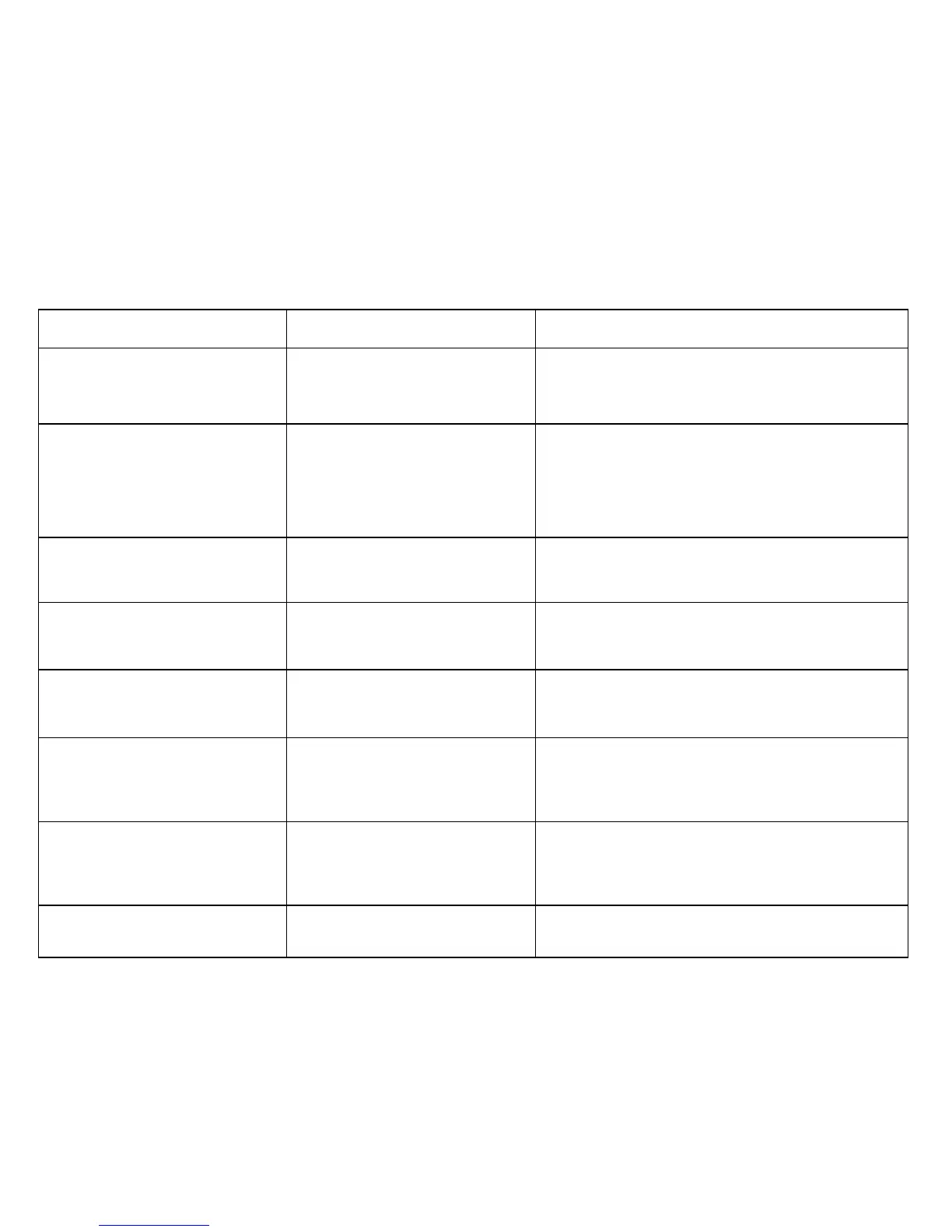
Fault Probable Cause Solution
Water changes color or becomes
cloudy.
Rower is in direct sunlight or has not
had water treatment.
Change rower location to reduce direct exposure to
sunlight. Add water treatment and blue dye or change
tank water as directed in the water treatment section of
this manual.
Rowing stroke return too light. Bungee not under enough tension.
Open rear Perspex cover, cut bungee tie wrap .
Tighten by small increments using the bungee tie off
tab point and test tension by allowing the rowing handle
to return to its furthest point forward while still having
some slight tension. Note light fraying of the bungee
cord is normal.
Rower rocks from side to side when
sitting on floor
Front/Rear frame levelers need ad-
justing
Adjust the front two frame levelers or rear leg levelers
until stability is reached. Note: It is normal for the lower
rear leveler to rest slightly off the floor.
Front of rower lifts slightly during
vigorous rowing.
Lower rear frame leveler too high.
Check to see that frame tensioning bolt is tightened
properly. Lower rear frame leveler should be approx
5mm off the ground.
Computer screen illuminates, but
does not register when rowing.
Loose or failed connection/Sensor
gap too wide (see erratic computer
display).
Check that the computer lead is connected properly. If
connected properly check sensor gap. Contact your
local service center if this fails to address the problem.
Rowing stroke feels lumpy, not
smooth..
Dyneema rope is twisted . You can untwist the Dyneema rope by simply pulling
the rowing handle to the end and turning the rowing
handle to untwist the rope.
Note: Light fraying is normal.
The E-216 computer does not illumi-
nate after battery installation.
Batteries installed incorrectly or
need replacing.
Reinstall batteries in correct position and try again. If
the LCD screen fails to illuminate, try rotating the batter-
ies slightly in the computer. If this fails, contact your lo-
cal service center.
The E-216 computer display is er-
ratic while displaying SPM and
500meter times.
Gap between sensor and magnetic
ring is too wide.
Adjust sensor location using rear sliding adjustment lo-
cated inside rear Perspex cover.
Troubleshooting Guide


 To Next Page