10
Tracking Runs with the Fitbit Surge
Intro. Modal; clicking Home button when in run just “shakes” the display, even if paused. But you can
double-click Home button to manage music player; see Music Playback on page 15.
1. If you are on the clock screen, press the Home button to display the action screen.
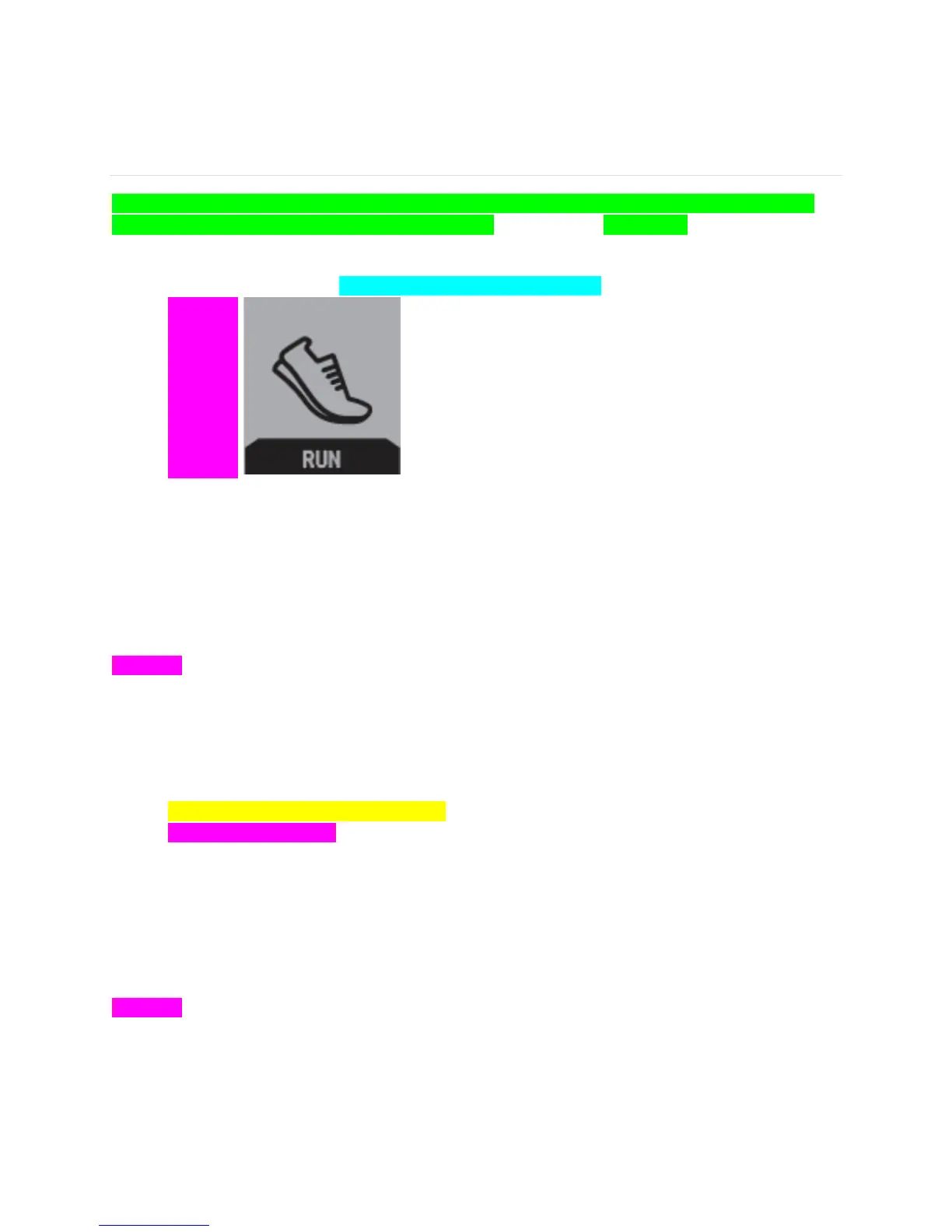
2. Scroll to the Run action. <<terminology of “action” tbd –brs>>
[[picture]]
3. Swipe to cycle through the available types of runs: Free Run, Treadmill Run, Lap Run.
4. Press the Select button to choose the type of run you want to track.
Free Run
Intro. Default screen shows stopwatch, with pace at bottom and miles at top
[[picture]]
1. Press the Select button to start/pause/resume
2. GPS/Quick Start
3. While running or paused, swipe to display current heart rate, average (?) pace, distance, clock
(current time).
4. When through, press the Select button to pause, then press the Action button to display summary.
<<tbd if Confirm action is added –brs>> Scroll down to view all stats.
[[picture]]
5. Press the Action button to exit
Treadmill Run
Intro, doesn’t use GPS.
[[picture]]
1. Press the Select button to start/pause/resume
2. While running or paused, swipe to display current heart rate, average (?) pace, calories, clock
(current time).


 To Next Page