13
6. While exercising or paused, swipe to display various stats being tracked.
7. When through, press the Select button to pause, then press the Action button to display summary.
You may have to scroll down to view all stats.
<<Consider turning all this into a table format. Include all exercise types, not just the default ones I
started with belwo. –brs>>
Stairclimbing
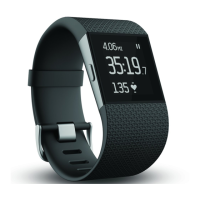
Default screen shows stopwatch, with avg BPM at bottom
Swipe to see average BPM, clock, calories at bottom instead
Top shows n.nn MI(P)<<is this mileage calculated based on number of paces??>>
Spinning
Default screen shows stopwatch, with avg BPM at bottom
Swipe to see clock at bottom instead
Top shows calories
Hiking (GPS)
Click Select button to search for GPS signal
Press Select button for Quick Start
Press Select button to start
Default screen shows stopwatch, steps at bottom, miles at top <<if no GPS, calculates via pace? –brs>>
Swipe to see average BPM, clock, elevation, average pace, calories at bottom instead
Cycling (GPS)
Press Select button to search for GPS signal
Press Select button for Quick Start
Press Select button to start
Default screen shows stopwatch, average BPM at bottom, calories at top


 To Next Page