19
Managing settings on your Fitbit Surge
1. If on clock screen, press the Home button to display action screen.
2. Swipe to Settings.
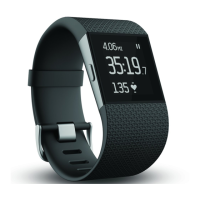
[[picture]]
3. Press the Select button and scroll up or down among settings. Press the Select button to cycle
among options for each setting. <<Will heart rate/zones be added? –brs>>
Backlight
Auto – explain what this does
On
Off
Notifications
On
Off
Vibration Alerts
On
Off
BT Classic
Pair
On
Off
Restart
Version
<<tbd if staying –brs>>


 To Next Page