www.flammainnovation.comShenzhenFlammaInnovationCo.,Ltd
33
SYSTEM
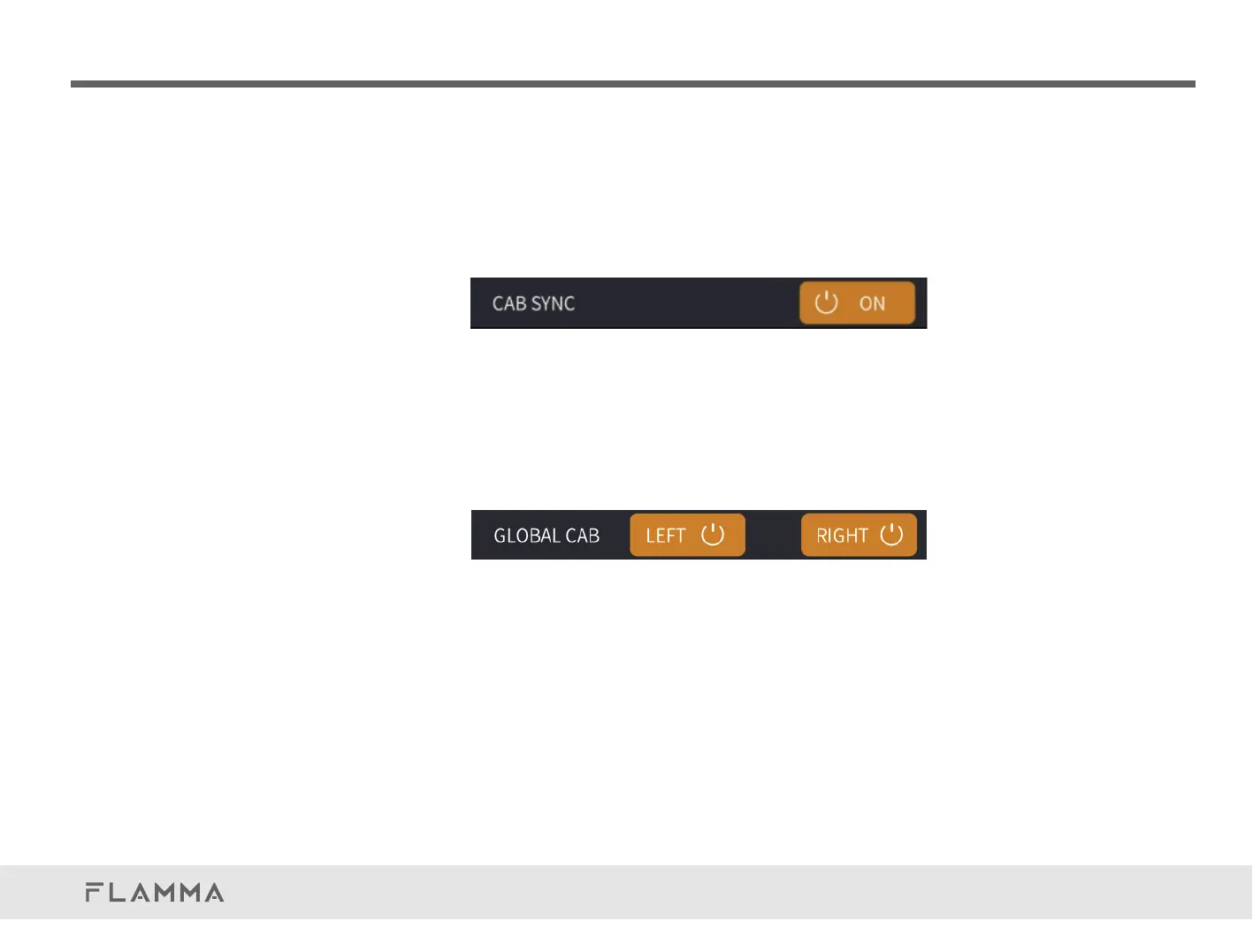
CABSYNC
PressCABSYNCtotoggletheSYNCfunctionbetweentheAMPandCABmodules.
Whenitison,ifyouswitchtoadifferentampmodelintheparameterpage,thecabinetsimulation
willswitchtothecorrespondingselectiontopairwiththecurrentlyselectedampmodel.
Whenitisoff,cabinetsimulationswillnotsyncwithampmodeliftheampmodelischanged.
GLOBALCAB
Thisfunctionisforthesignalofalloftheoutputs(OUTPUT/XLROUT/PHONES).Youcandecideif
theCABSIMison/offintheleft/rightchannel.Ifitishighlighted,itmeansthecurrentchannelgoes
throughtheCABSIM,otherwisethecurrentchannelbypassestheCABSIM.
Notes:Ifthesettingofleftchannelandrightchannelaredifferent,theCABwillbeplaced
attheendoftheeffectschain,whichmeansitcannotbemovedintheeffectschain.



 To Next Page