www.flammainnovation.comShenzhenFlammaInnovationCo.,Ltd
35
SYSTEM
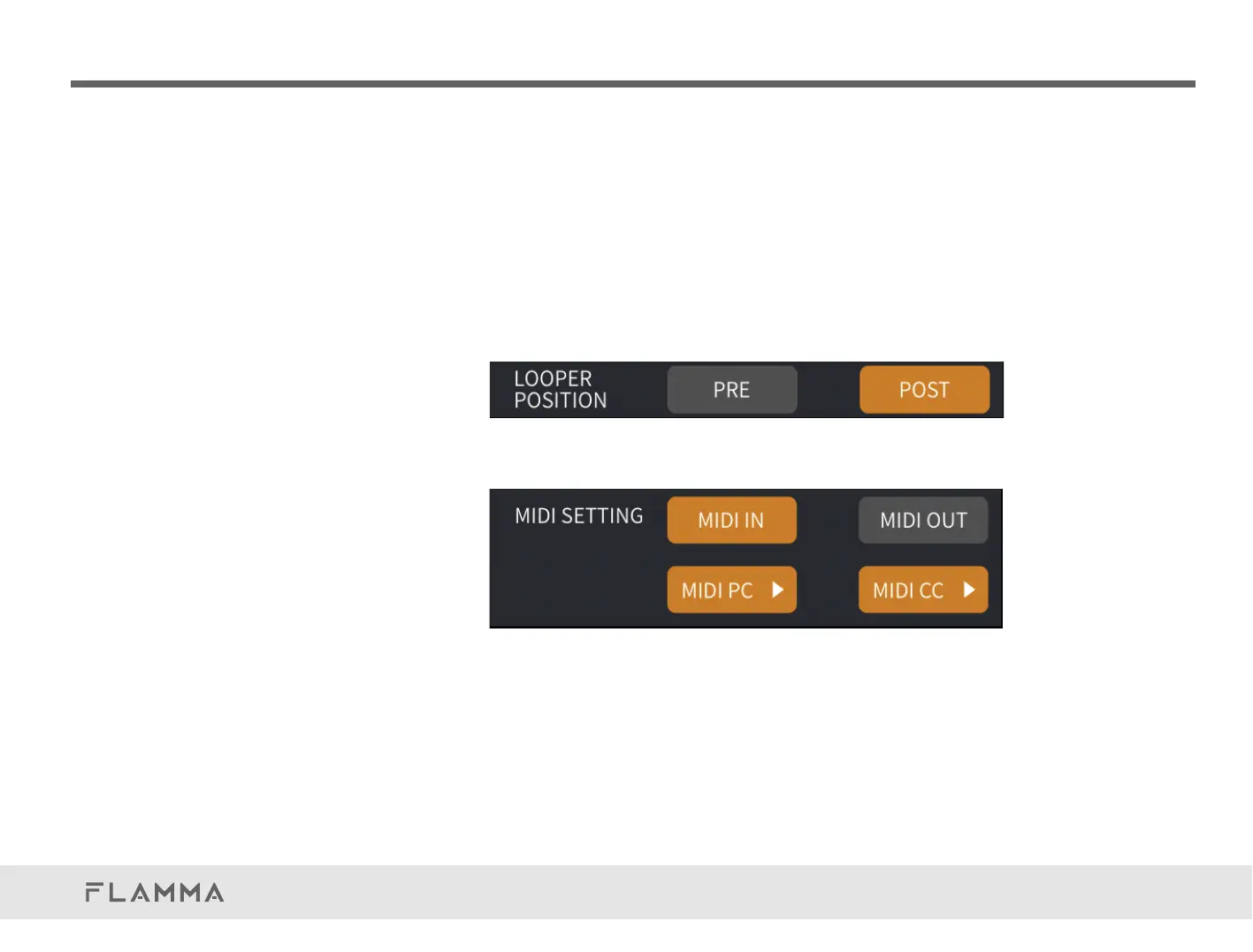
LOOPERPOSITION
Setupthepositionoftheloopermodule.
PRE:Premode.Thelooperwillbeplacedasthefirstmoduleintheeffectchain.Looperwillrecord
thedrysignaldirectly.Youcanchangetheresultviaadjustingtheparametersoftheeffectschain.
POST:Postmode.Thelooperwillbeplacedattheendoftheeffectschain.Looperwillrecordthe
signalprocessedbytheeffectschainlikeatraditionallooperdoes.ItissettoPOSTasdefault.
Thepossibilityofswitchingbetweenthetwomodesatanytimeduringtheuseofthephraseloop
function.
MIDISETTING
SetuptheMIDIportoftheFX200.
SelectfromMIDIINandMIDIOUT.WhenitissettoMIDIIN,theFX200canbecontrolledbyexternal
devicesviaMIDI,changingpresets,orcontrolparameters.WhenitissettoMIDIOUT,FX200can
controlotherexternaldevicesviaMIDIforpresetswitching(MIDIPC#);
IntheMIDIINmode,clicktoselectMIDIPCtoaccesstheMIDImappinglist.Youcanscrollbetween
pagestolookthroughalltheMIDIcodes.



 To Next Page