第 二十八 页 共 二十八
How to set the filament
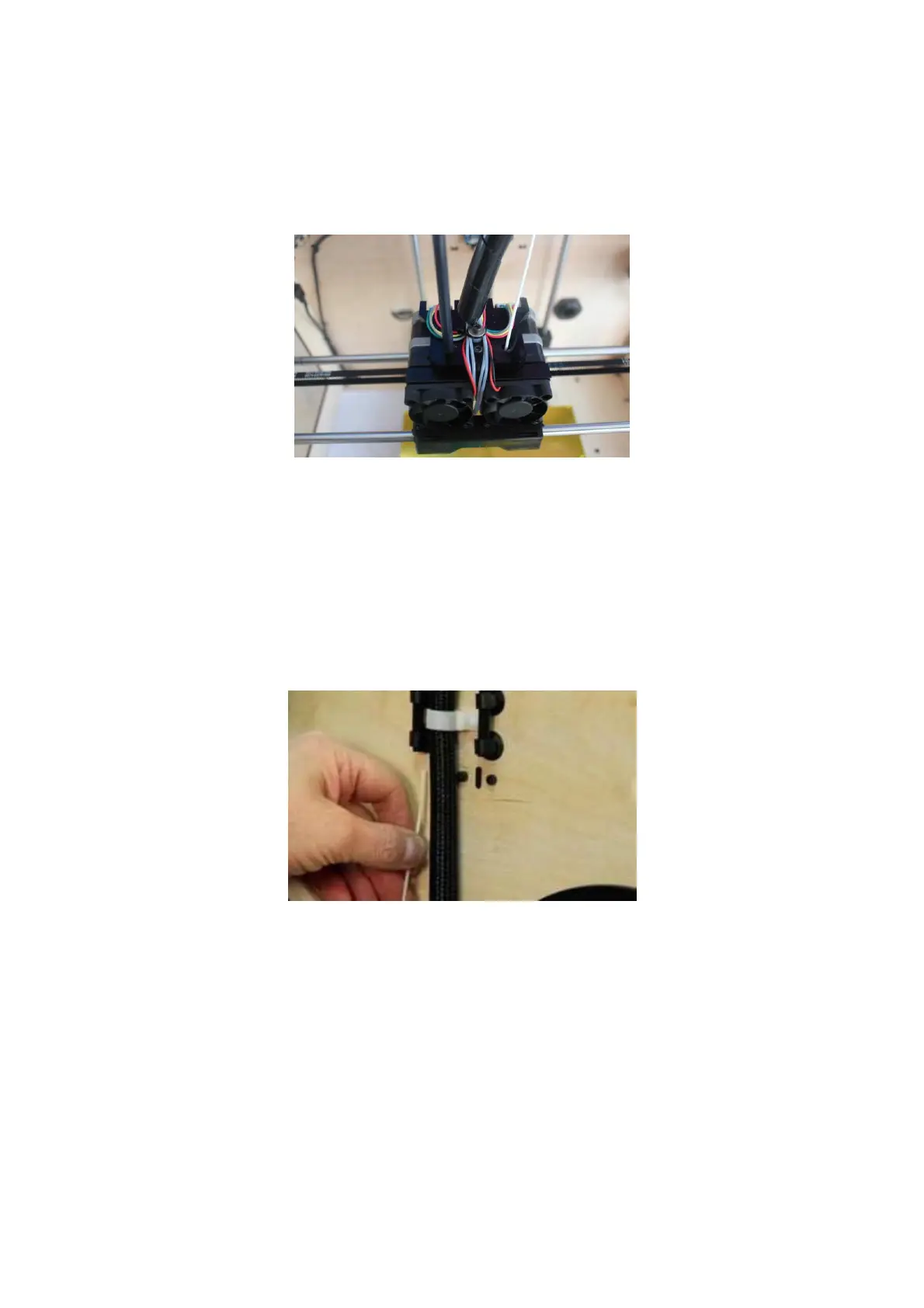
First, remove the filament Guide Tube by pulling out.
When the guide sleeve is disengaged, you can keep pulling the material from the
guide sleeve behind the device until the thread passes through from the front.
To avoid blocking in print, please ensure that two threads are loaded from the middle.
There are two wire trays -- one runs clockwise and the other one runs
counter-clockwise, as shown below:
After the materials are inserted into the extruder, do not insert the guide wire tube into
the extruder before the machine has started. There are two ways of feeding: one is to
feed by using the LCD screen, the other is to feed using the control panel of the Print
software.















 To Next Page