24
The firmware will be upgraded from time to time. Please refer
to the actual display screen for the interface. The following is
only a brief introduction of functions.
6.1 Printing Screen
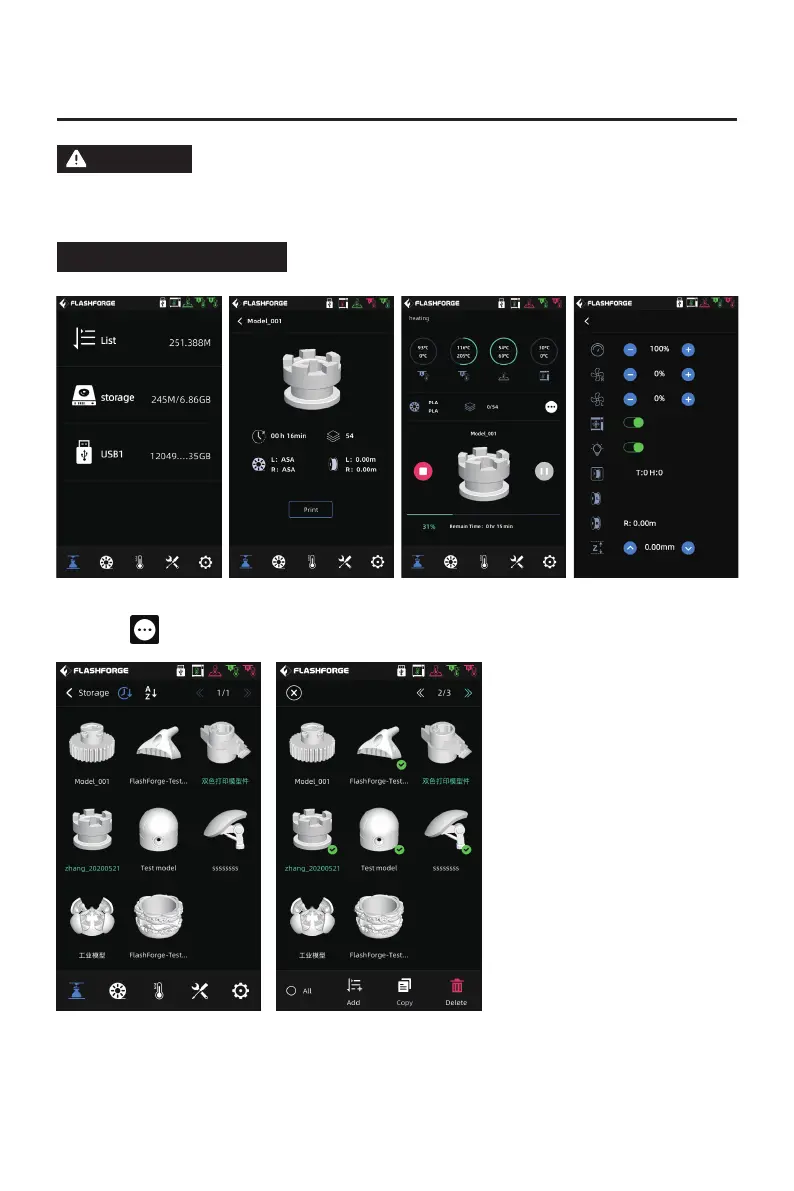
Some parameters can be adjusted during printing.
Click the icon for the control of the printing speed, fans and lights.
After finishing printing a file, if the color of the file name in the list changes, it
means that the file has been printed;
If you want to delete a file in memory, please long press the file in the file list, and
then select it and click the [Delete].
ATTENTION















 To Next Page