14
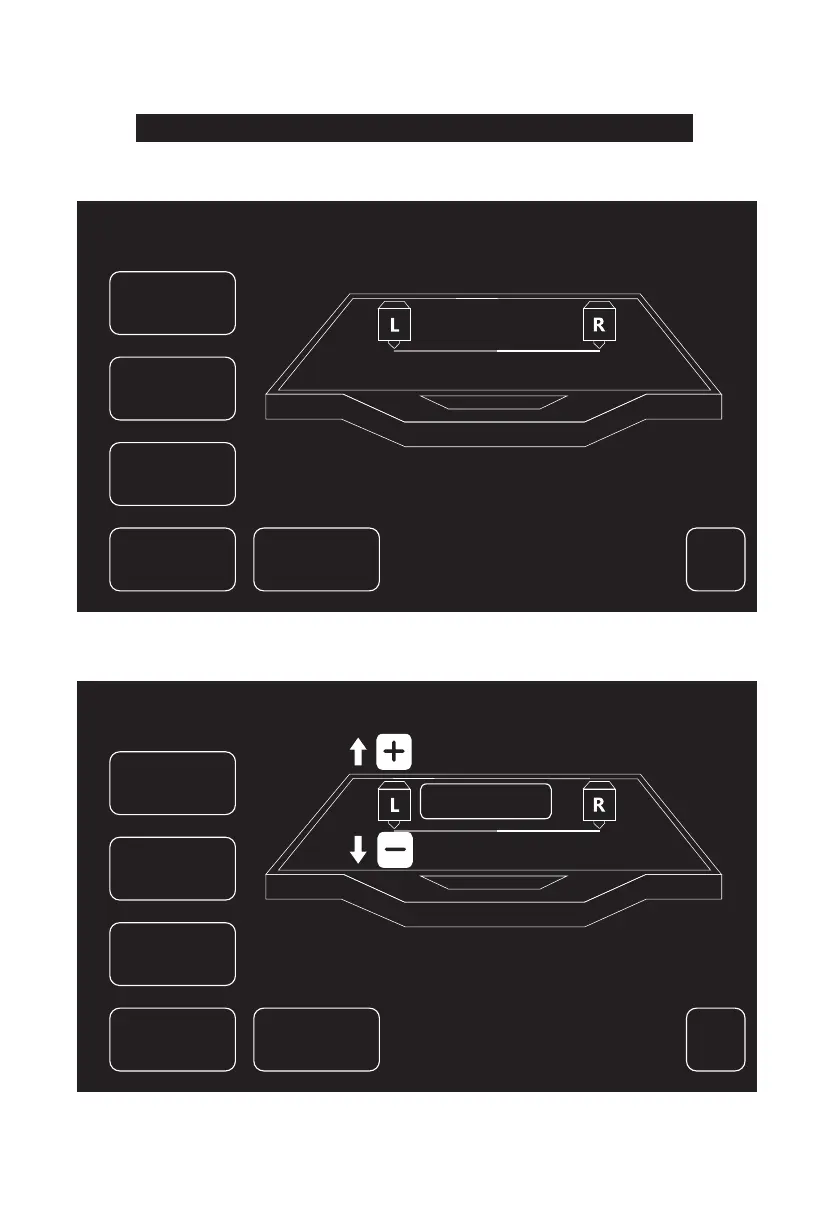
Check if the lines printed by 2 extruders aligned on Y-axis to judge if the extruders
on the same Y-axis.
2. If the 2 lines are totally aligned, Tap [Yes], Y-axis calibration is done. If the 2 lines are not totally
aligned, Tap [No]. Adjust position of extruders according to actual situation. After that, clean the
filament on build plate and Tap [Recalibration]. Repeat step 2 till the 2 lines are totally aligned.
1. Tap [Y-axis calibration] and wait for extruders heating up. After heating up till target temperature,
2 lines will be printed in sequence. Check if the 2 lines are aligned after printing. Meanwhile, the
pop-up window will appear.
<
Y Calibration
Right Extruder is printing the 1st
baseline and then left extruder will print
the 1st alignment line.
Y Calibration
<
Y Calibration
Adjust deviation,
Press [Recalibration]
Deviation:0:00
OK
Next
Skip
Reset
Recalibration
OK
Next
Recalibration
Skip
Reset















 To Next Page