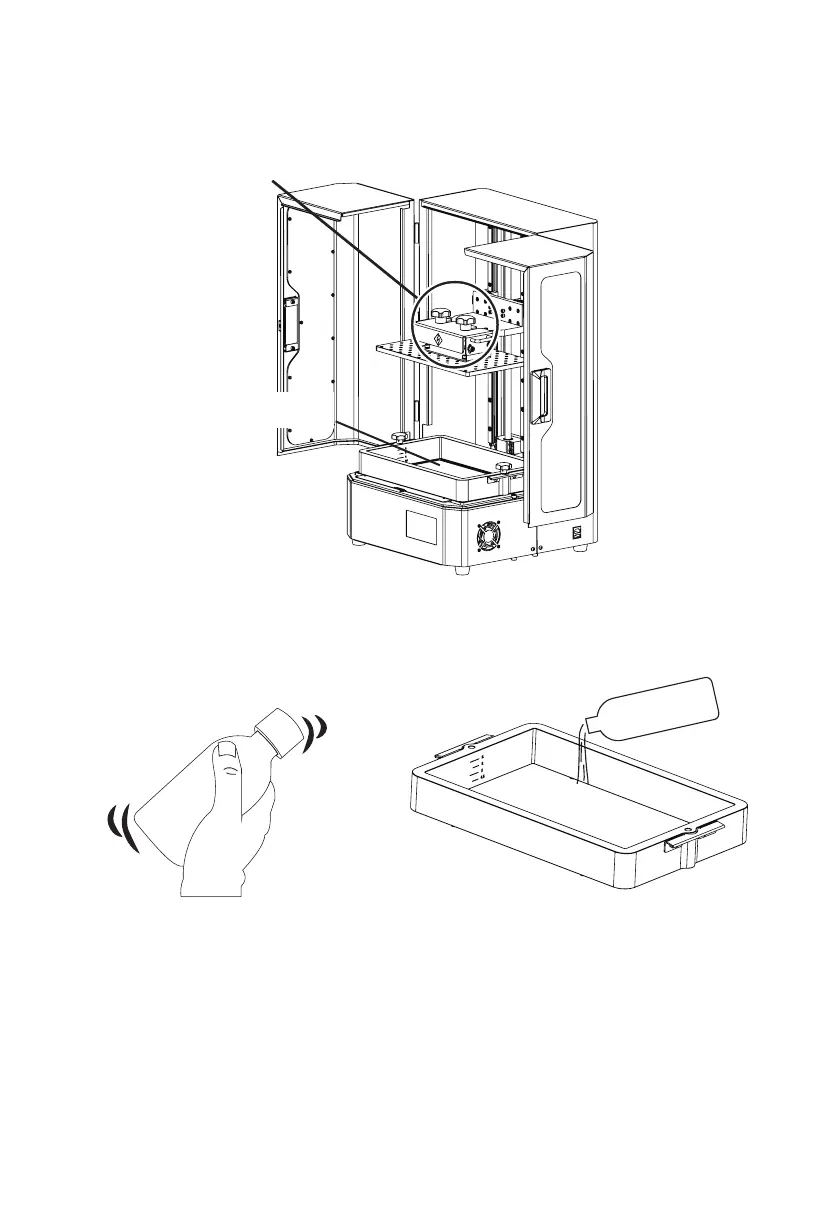
4. Confirm that LCD screen, build plate and solution box are clean.
5. Make sure that the resin box and platform are installed in alignment and that they
are not loose when moved by hand.
6. Shake the resin to mix itwell. 7. Pour the resin into the solution box. Note
that level shall not exceed or be lower than
the mark lines in the resin box. Close the
light shield after all above preparatory steps.
No misalignment and looseness in installation
Clean
12















 To Next Page