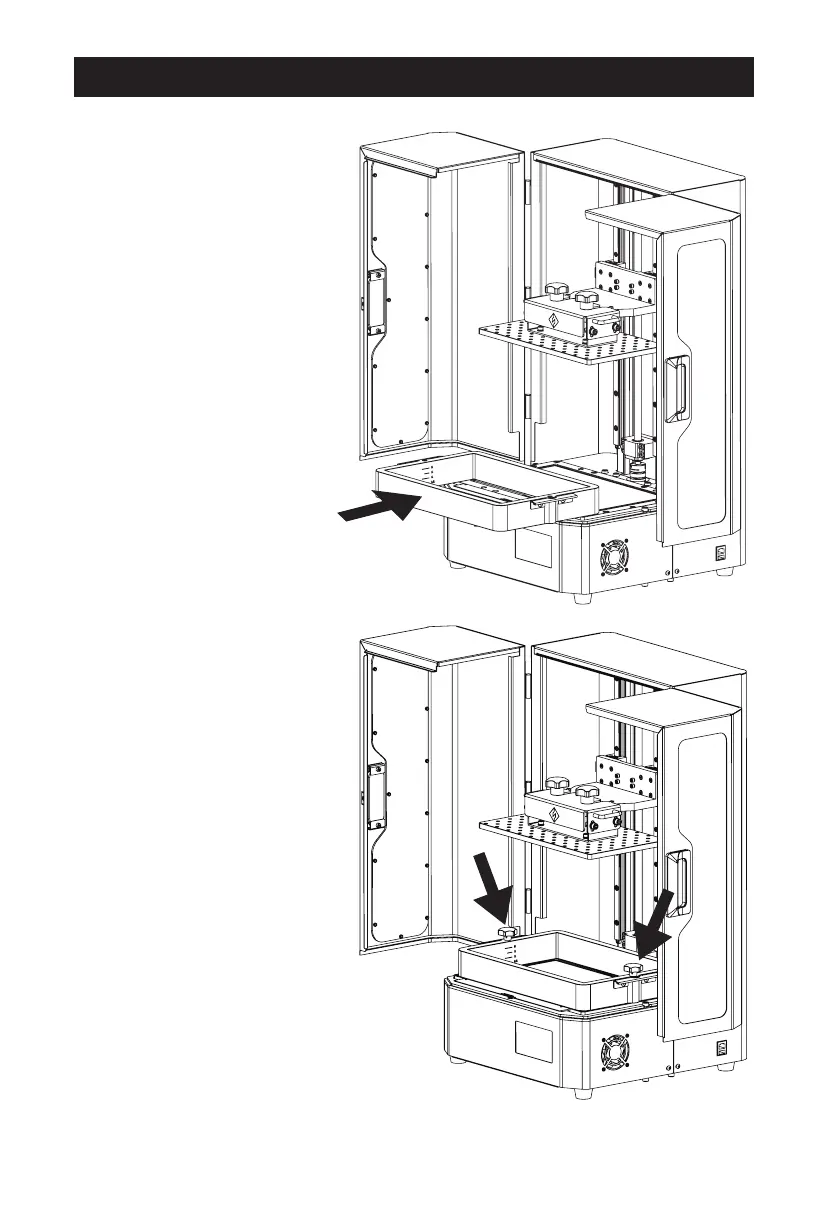
1. Confirm that the LCD screen
and resin box are clean.
2. Take out the resin box and
place it carefully on the
screen. Pay attention to the
orientation of the pouring
port and install it in the
direction shown on the right.
3. Tighten the screws on both
sides.
11
First Printing















 To Next Page