09
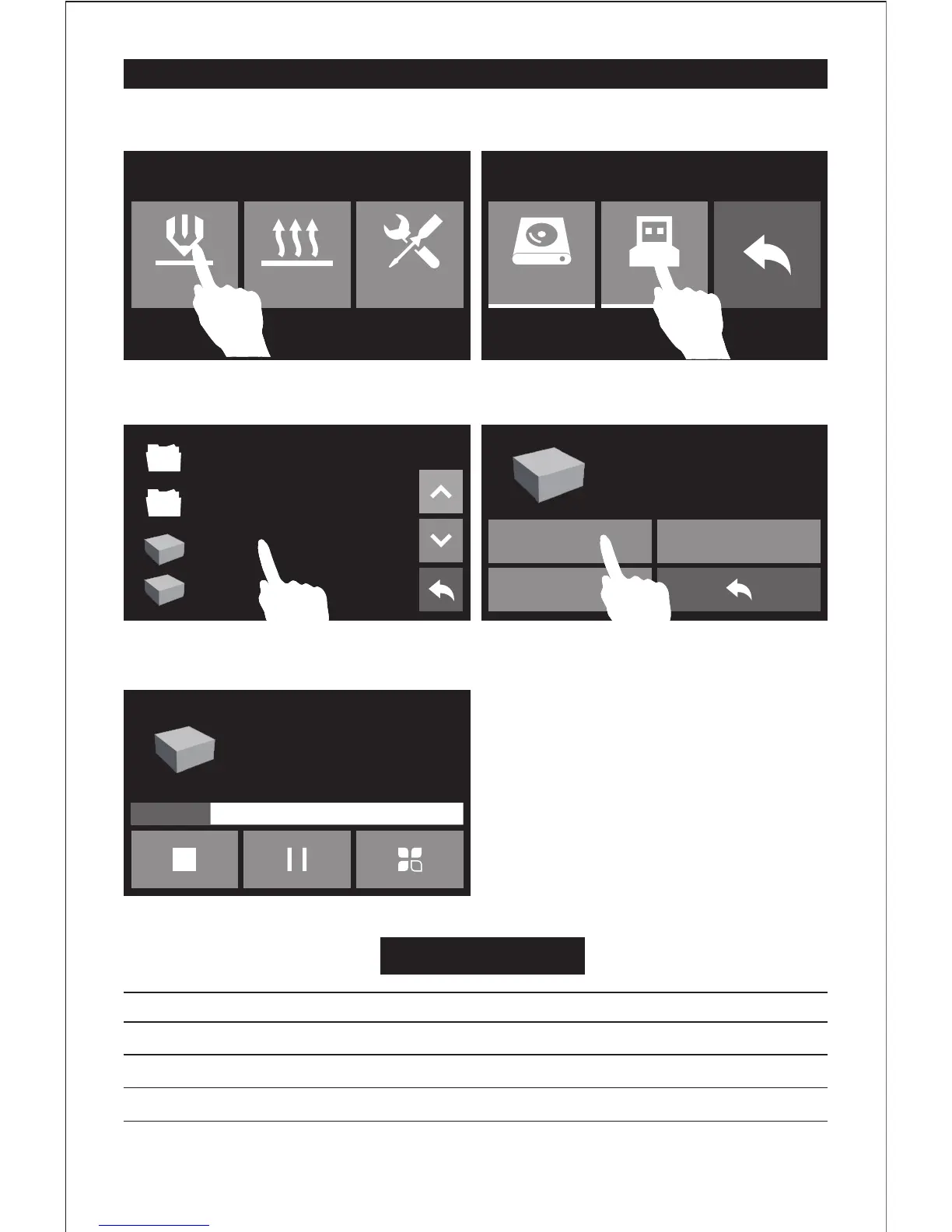
First Print
Build Preheat Tools
1. Please insert the USB stick into Finder. In the print interface, tap [Print]-[USB Stick].
Suggestions
Ensure that the build plate has been leveled before printing.
Ensure that the filament has been loaded in an appropriate approach.
Load the filament for a while to extrude all the melted filament you printed last time out of the extruder.
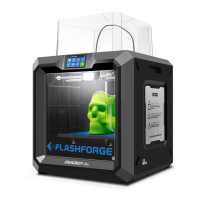
Do not leave the Guider II unattended during operation.
Build
Copy
Delete
Total: 0 hr 54 min
Extruder 50℃/220℃
Time left 0 hr 54 min
40mm_Box-PLA.gx
40mm_Box-ABS.gx
System Volume Information
flashprint切片软件
40mm_Box-ABS.gx
Platform 50℃/105℃
40mm_Box-ABS.gx
25%
2. Select one file to print according to the
filament type used, tap [Build].
4. Once heated, the printer will start printing.
3. Tap [Build].


 To Next Page