Guider User Guide | www.ff3dp.com
(4-6) Tap [Filament]--[Load].
4-7
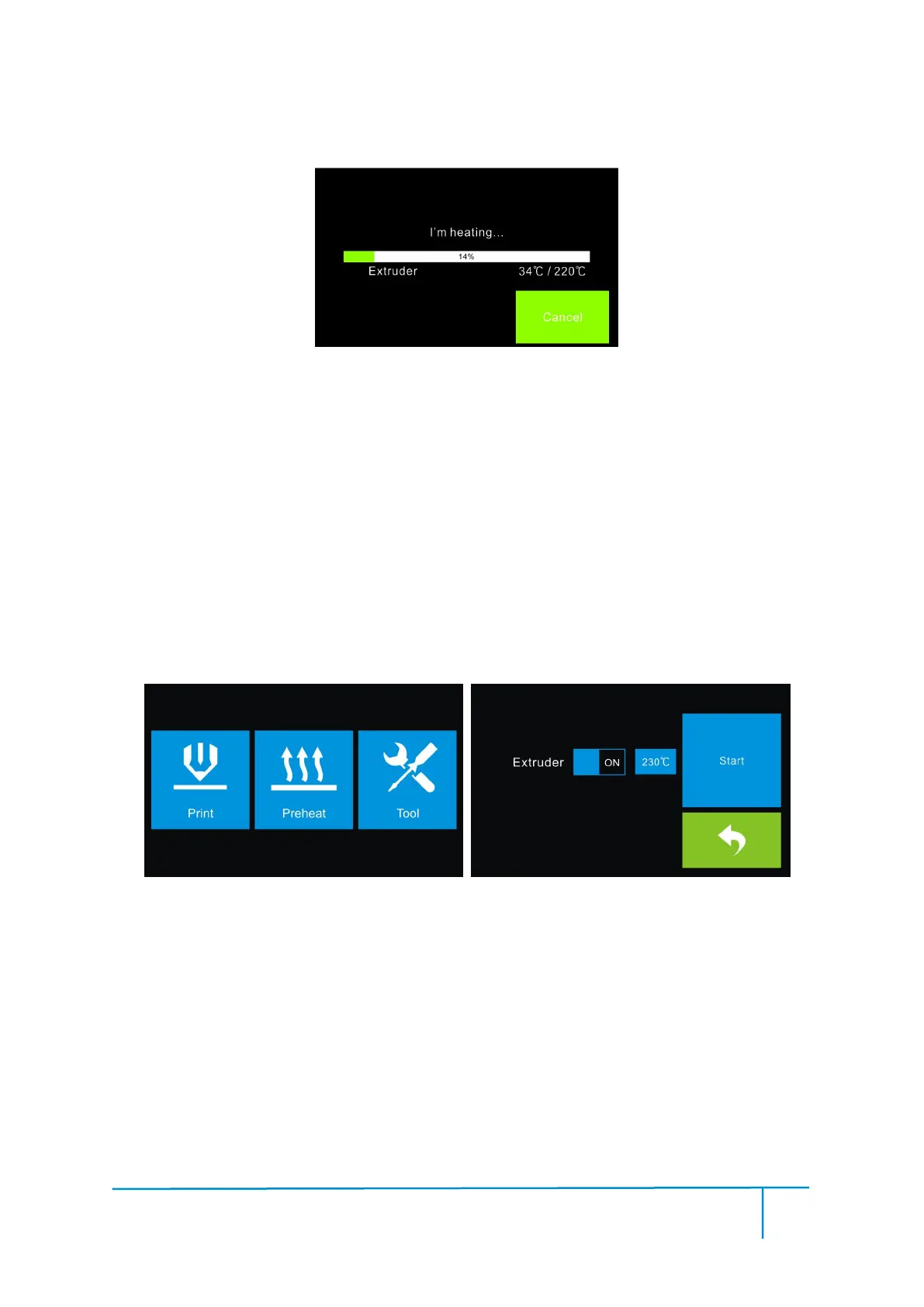
(4-7) After the extruder’s temperature reaches 220
℃
, the printer will sound a beep to
prompt you to load the filament into the extruder.
Insert the filament into the extruder at an upright angle. Then the filament will be
drawn through the extruder. Do not tap [Cancel] until the filament exits the extruder
(4-10) Back to the main interface, tap [Preheat]-[Start] and the extruder starts
heating up.
After the extruder reaches 220
℃
, the printer will sound a beep to prompt you to
unload the filament from the extruder. Press the spring presser and gently pull the
filament out.















 To Next Page