Guider User Guide | www.ff3dp.com
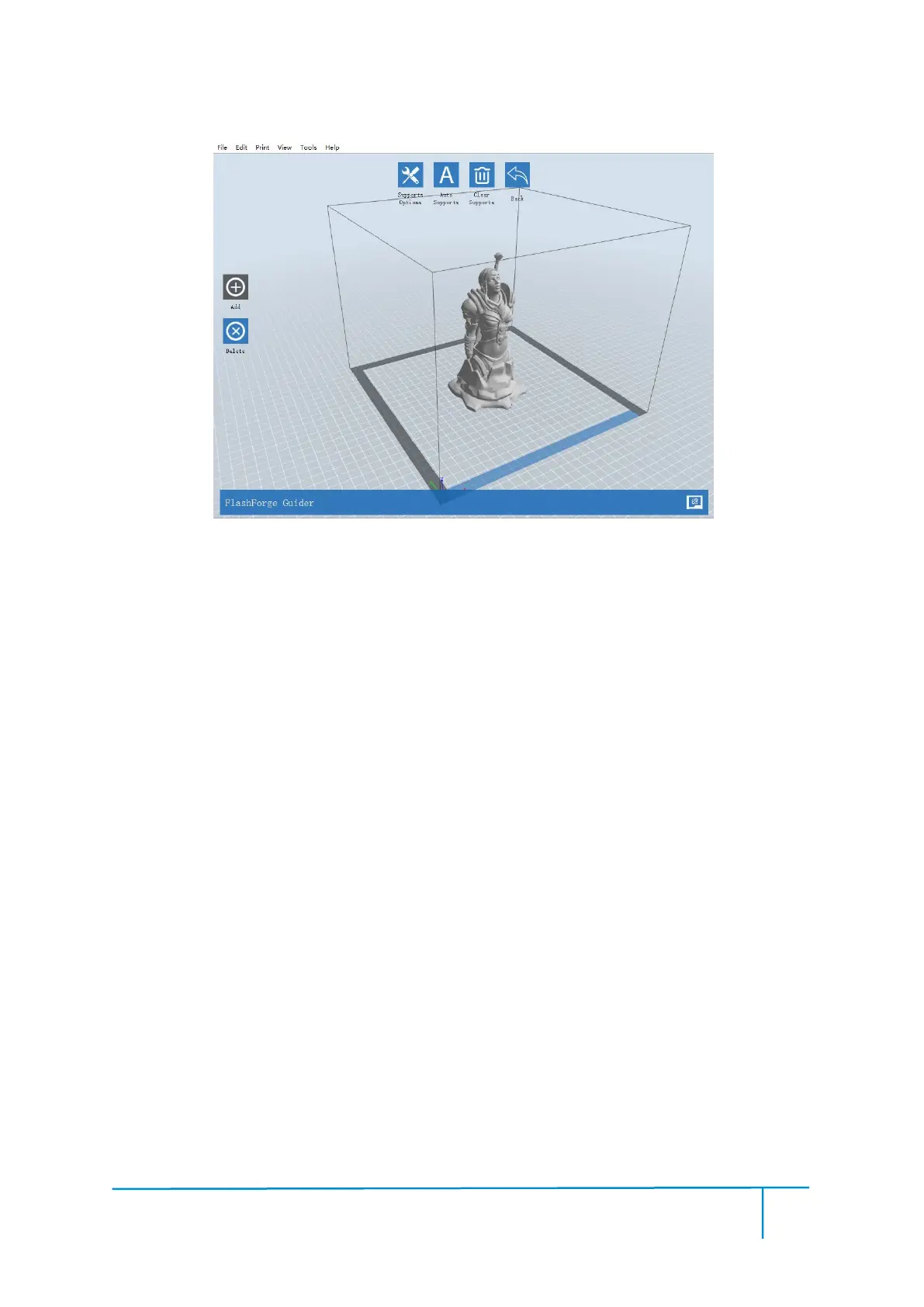
Click the Support Options, an option box will appear, supports options include
“treelike”and “linear”, when choose “treelike”, click [OK], then the support generated
will be treelike structure; when choose “linear”, click [OK], then the support
generated will be linear structure; if the model already had support, when you choose
one of the supports options,software will judge whether existing supports need to be
deleted or not depend on the type of existing support, and will pop up the
corresponding prompt to let you make the choice.















 To Next Page