Guider User Guide | www.ff3dp.com
Click [File]--[Save Project] in the menu bar, can save the file as a project file which
suffix is ”.fpp” in this type of file,all models in the scene (include support) are
independent .after reloading the files, extruder configuration information and model
position will be as same as the configuration during saving.
Click on [File]--[Save as...] to save the model as project file .fpp or .stl and .obj.
For .stl and .boj, models are integrated as one(include support part). If load it again,
only the position of the model was saved, not included the printing parameters.
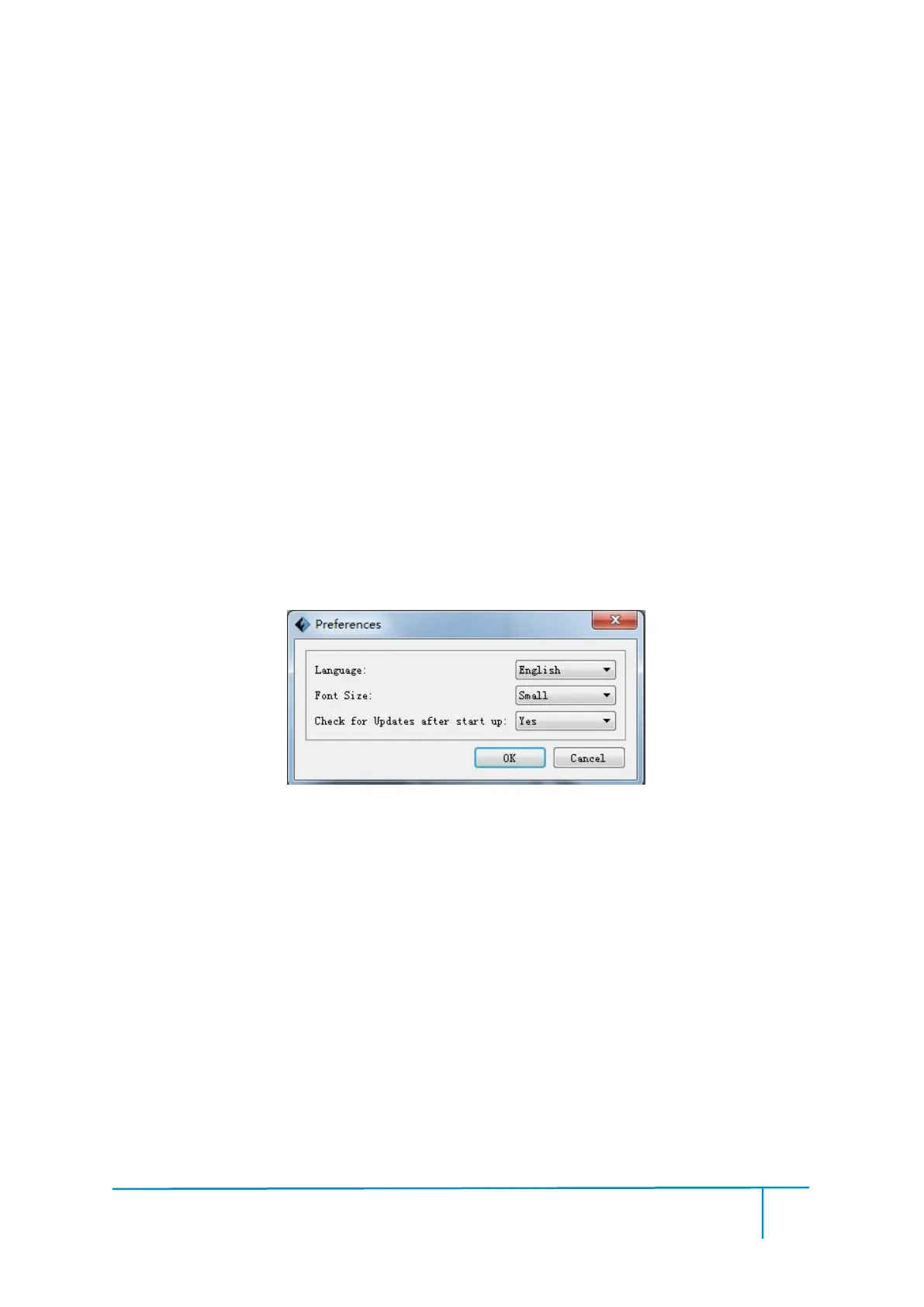
Click [File]--[Preferences], you can choose language and if needs detecting update
● Language: The software supports six languages, that is Chinese(simplified
Chinese and traditional Chinese), English, French, Korean, Japanese and Russian.
● Check for Update after start up: It is used to set if needs to activate the
online automatic update function, if choose yes, every time when you open software,
it can online detect if there is new version software, once new version found, it will
reminds uses to download and install new version firmware.















 To Next Page