6
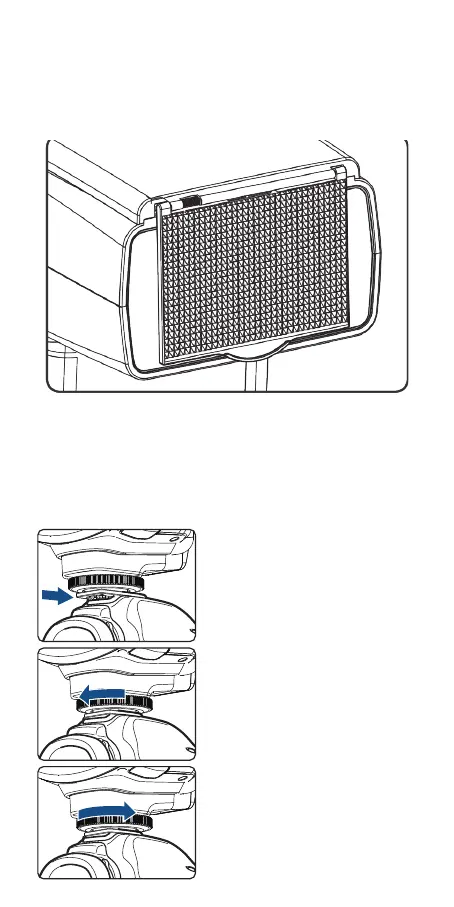
Included Accessories
1. Flash unit 2. Mini stand 3. Protection case 4. Instruction manual
Available Accessories
Attaching to a Camera
1
2
3
Attach the Camera Flash.
• Slip the camera ash’s mount-
ing foot into the camera’s
hotshoe all the way.
Secure the Camera Flash.
• Rotate the lock ring on the
mounting foot until it locks up.
Detach the Camera Flash.
• Rotate the lock ring on the
mounting foot until it is
loosened.


 To Next Page