13
2
3
4
5
6
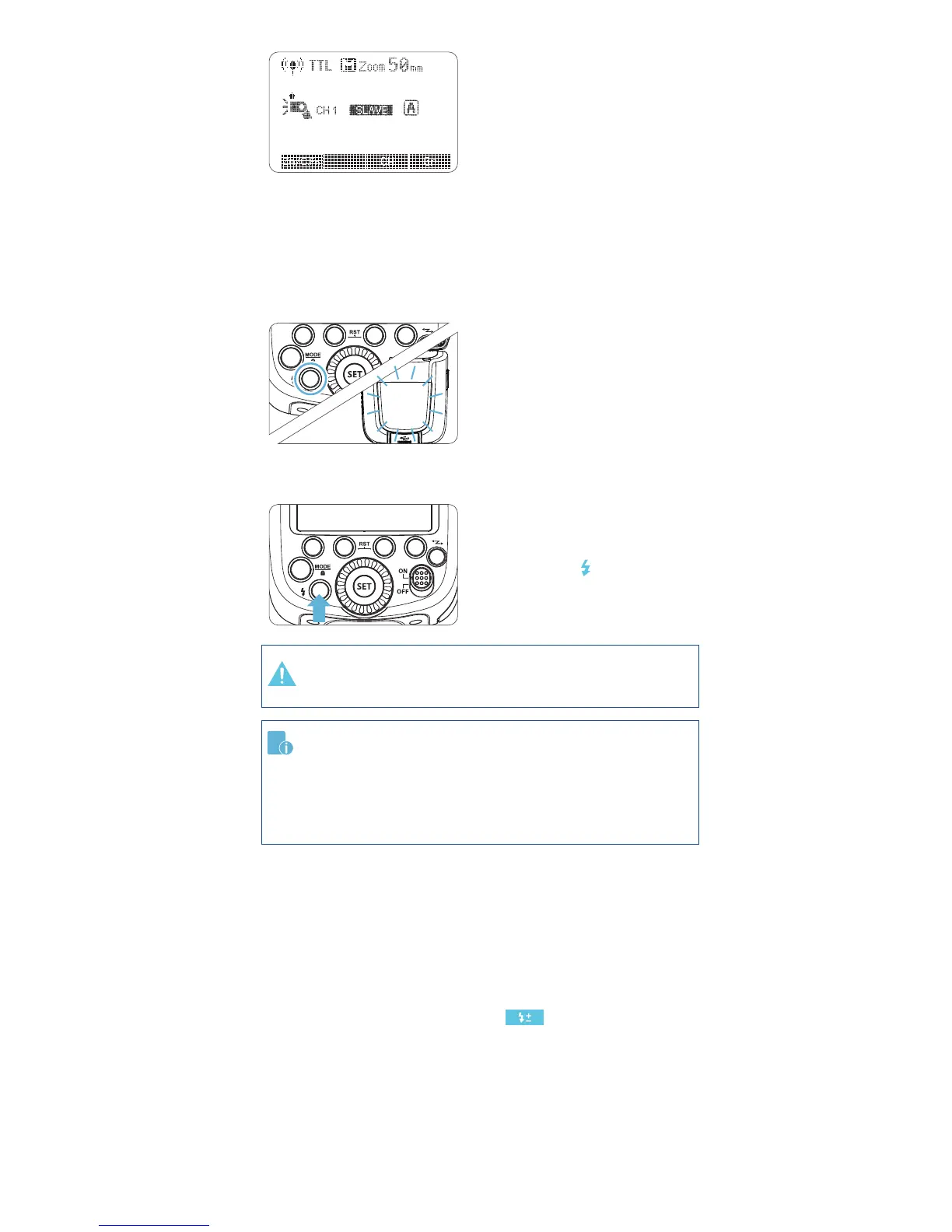
Slave Unit Setting
•
as the wireless slave unit.
• The slave unit can be set
as A/B/C.
Check the communication
channel
• Set the master unit and
Position the camera and
ashes
• Position the camera and
Check that the ash is
ready
• Check that the master
illuminated.
•
indicator is ready, the AF-
assist beam panel area will
blink at 1 second intervals.
Check the ash operation
• Press the master unit’s Test
Button < >.
•
check whether the slave unit
is set in the right position.
•
camera’s regular operation.
•
Using Fully Automatic Wireless Flash
be transmitted to the slave unit automatically. The slave unit does not
the same method of compensation for wireless slave units as with
• See Flash Exposure Compensation < > / Page 7
Multiple Master Flashes
It is possible to use two or more master units. Each master will
transmit



 To Next Page