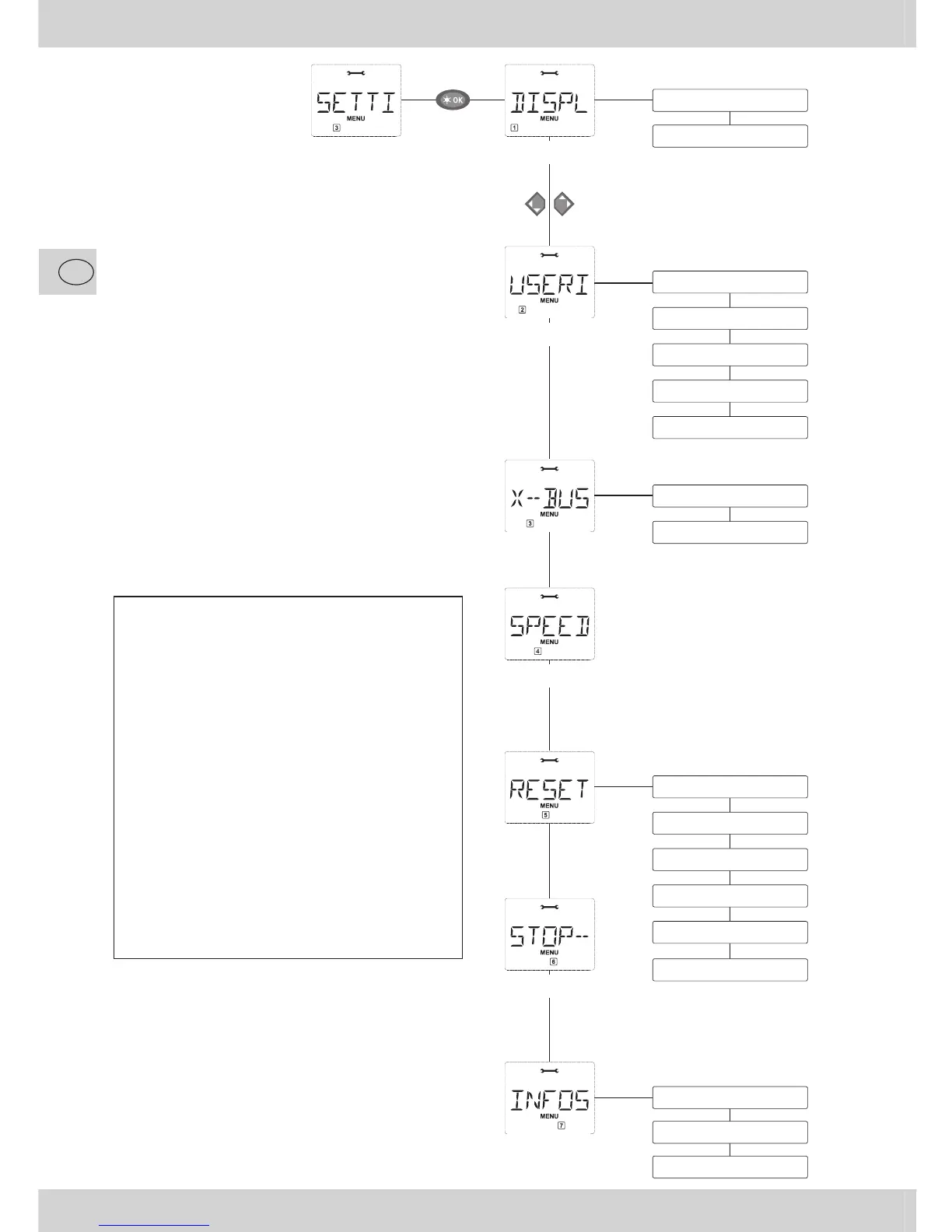
– If the display screen shows one of the
three main menus, you can call up the
required menu item by simply pressing
the function key with the corresponding
number.
– Press the “STOP” key to go back one
level.
For your safety and to protect against, e.g.
incorrect call-up or incorrect inputs: You
cannot confi rm an input by pressing the
“STOP” key.
Always program on a programming track
which is fully disconnected from the rest of
the system (exception: you have switched
the
multi
MAUS to POM mode (page 49)).


 To Next Page