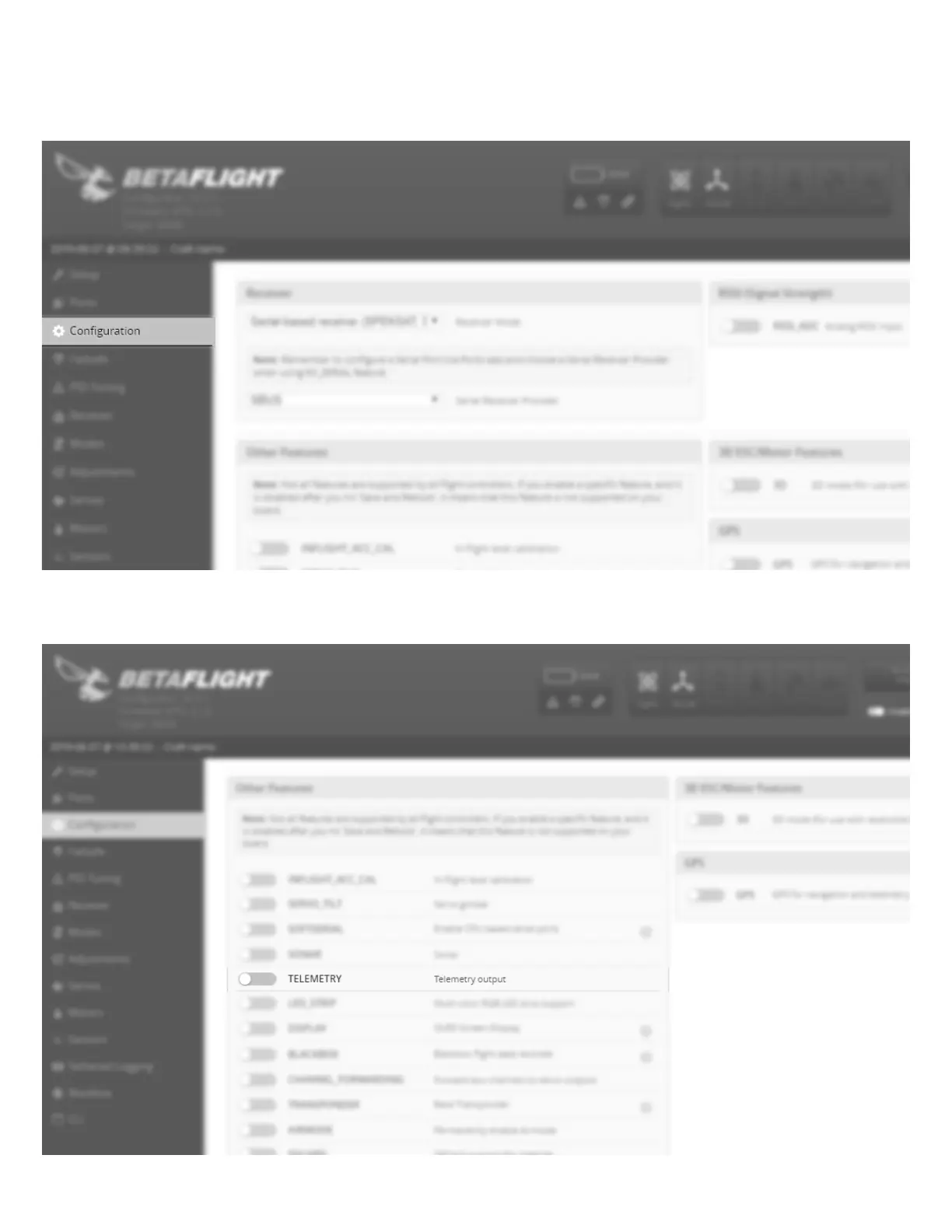
Connection B (with Betaflight Telemetry) Application Setup (Continued)
12
If you have chosen Connection A (without Betaflight Telemetry, please proceed to the section on Page 13 titled "Binding".
4.
5.
Click the Configuration tab on the left side of the application.
Scroll down until you see the switch tab for Telemetry. Slide this tab into the on (yellow) position. Click Save and Reboot in
the lower right hand corner to save the settings to the F3 controller. Click disconnect to complete the process. Remove the
USB cable from the FLEXF3 controller.





 To Next Page