FUTABA TRANSMITTER AND RECEIVER SETUP (CONTINUED)
18
5.
6.
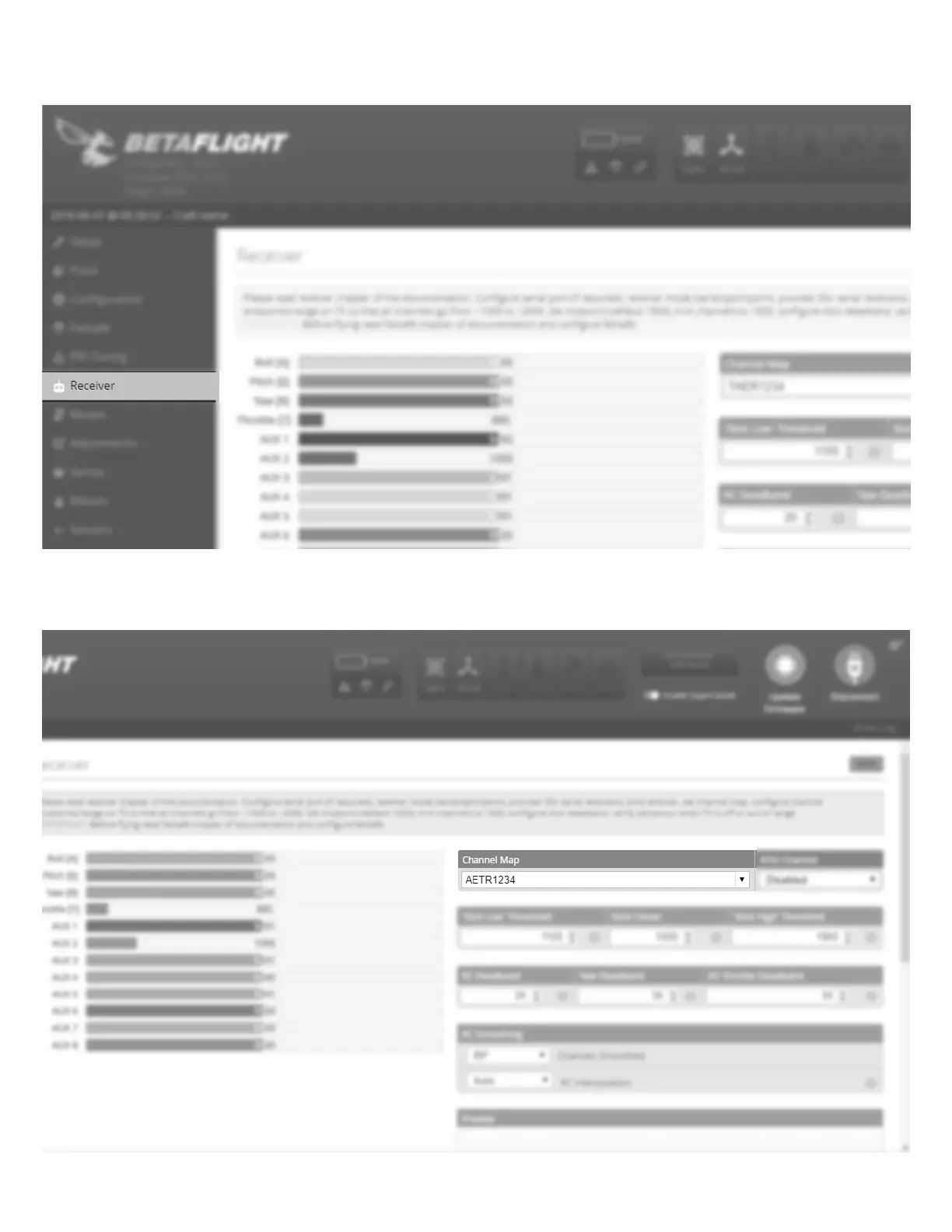
Re-connect to the FLEXF3. Navigate to the Receiver tab on the left hand side of the page.
On the right-hand side you will see Channel Map (Channel Order). By default, it is set to TAER1234. Click the drop down
menu and select the proper channel order for Futaba: AETR1234. Click save in the lower right hand corner to save the
settings. Click disconnect and remove the FLEXF3 from your programming device..















 To Next Page