S E T U P F O R M C H A P T E R 4
Show Decimal: Check to show decimal values in the digital meter.
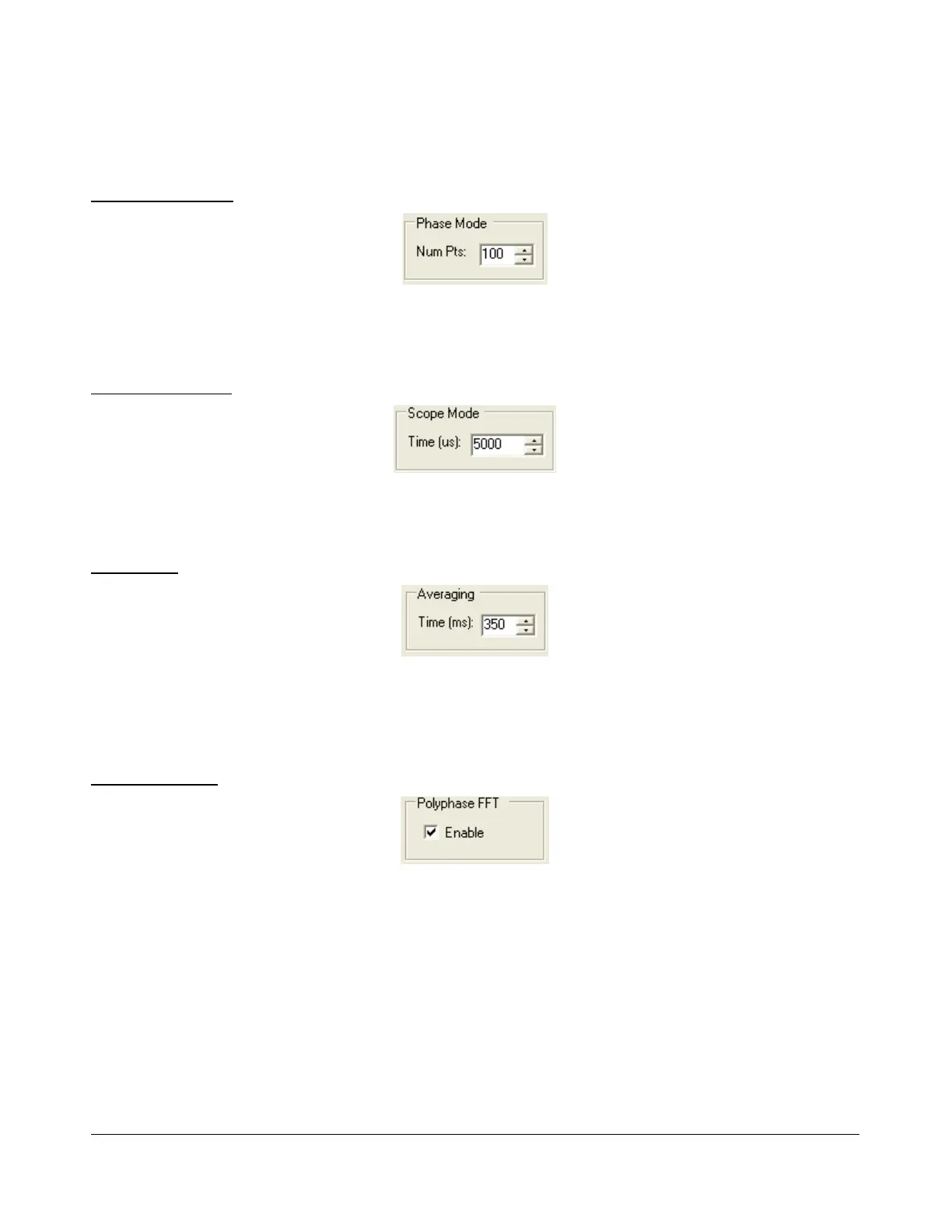
Phase Resolution
Figure 85: Phase Resolution
This control sets the Phase display resolution in number of points displayed per 360°.
Scope Time Base
Figure 86: Scope Time Base
This control adjusts the time base in µs (horizontal time scale) of the Scope Display.
Averaging
Figure 87: Display Averaging
This control sets the averaging time in ms of the Spectrum, Panadapter and Histogram displays when
AVG is enabled on the Front Console.
Polyphase FFT
Figure 88: Polyphase FFT
Enable this feature to display sharper peaks in the spectrum displays (Spectrum, Panadapter, Waterfall,
Histogram). Expect to see an up to 4 times narrower area of the displayed “spike” of a tone, especially
when the displayed frequency span is relatively large in comparison.
[The rest of this page has been left blank intentionally]
98 2003-2008 FlexRadio Systems



 To Next Page